13
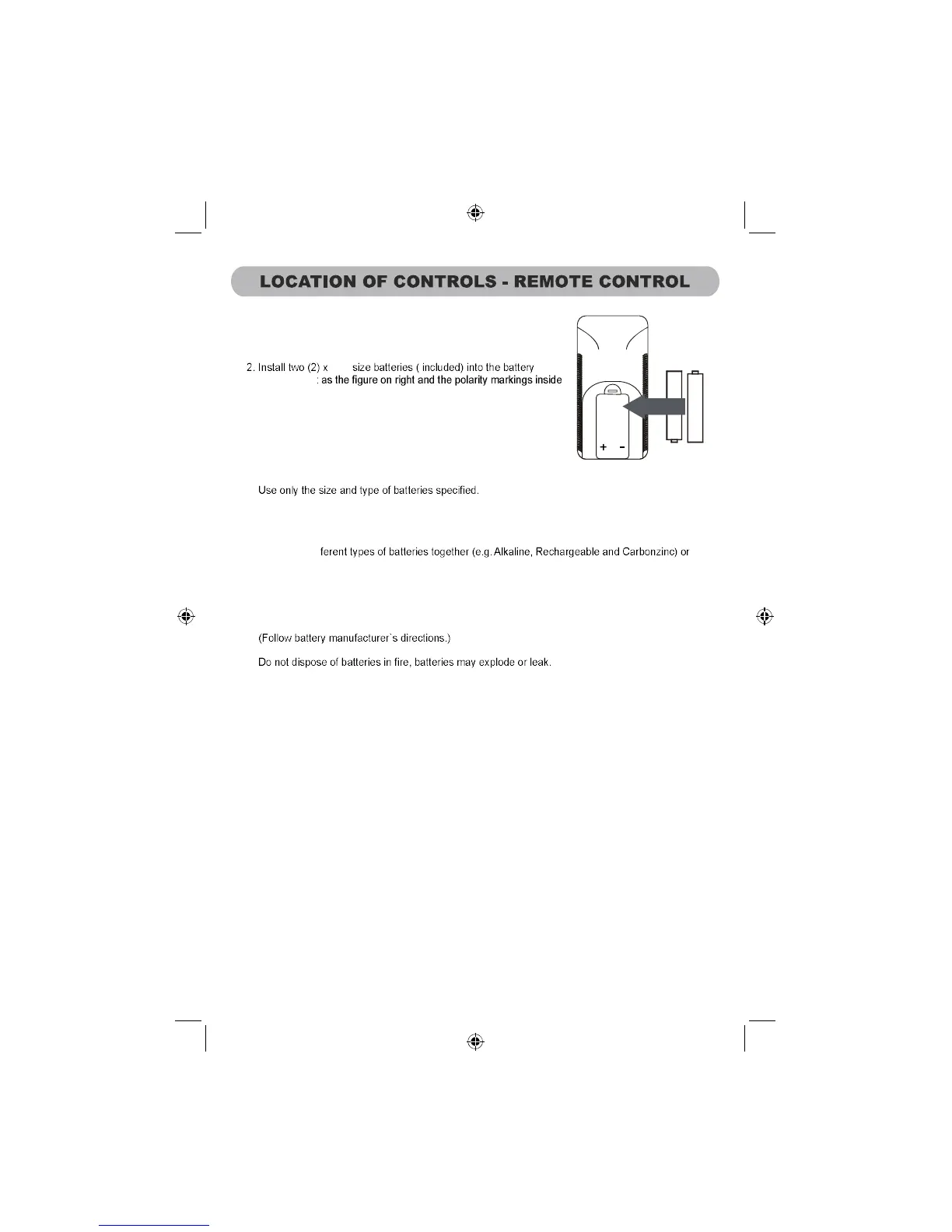
Battery installation:
1. Slide off the battery door.
AAA
battery compartment.
3. Replace the battery door.
BATTERY PRECAUTIONS
Follow these precautions when using batteries in this device:
1.
2. Be sure to follow the correct polarity when installing the batteries as indicated next to the battery
compartment. Reversed batteries may cause damage to the device.
3. Do not mix dif
old batteries with fresh ones.
4. If the device is not to be used for a long period of time, remove the batteries to preventdamage or
injury from possible battery leakage.
5. Do not try to recharge batteries not intended to be recharged; they can overheat and rupture.
6.
7. Clean the batter contacts and also those ofthe device prior to battery installation.
compartment



 To Next Page