7
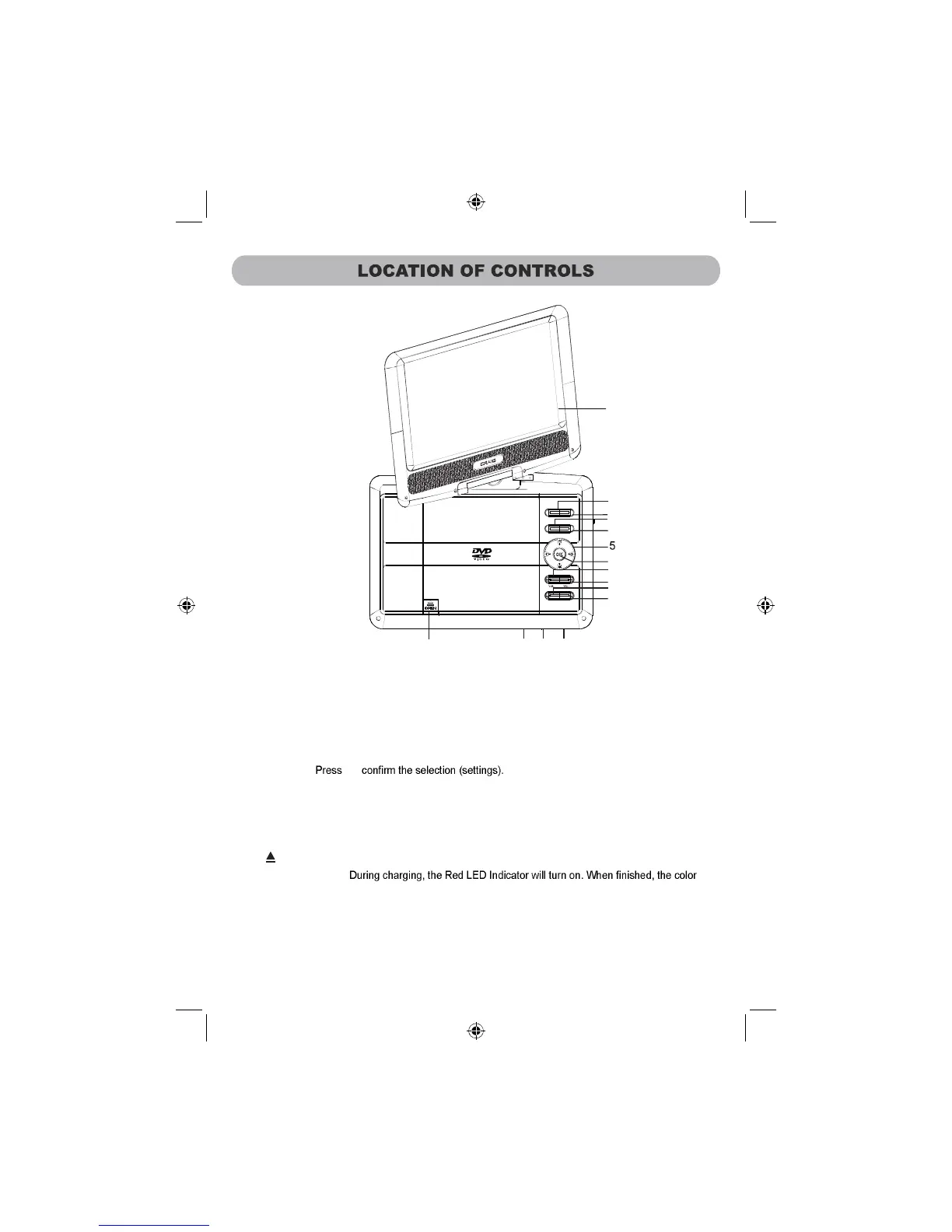
2. MODE:
Turn on or off (for saving battery energy) t
he display
3. MENU : When DVD playing, press this button to enter root menu.
.
1. SETUP: Press to enter or exit setup menu.
4. D/SD/USB: When USB device and/or SD Card was inserted, press repeatedly to select the
playback source as desired.
5. Direction buttons: Press to confirm
th
e desired settings within the setting menu.
6. OK button:
7. VOL-: Press to decrease volume level.
8. VOL+: Press to increase volume level.
10.
PLAY/PAUSE : Press to play or pause.
Press to stop playback.
11. (OPEN ): Press to open the disc door.
12. Charge Indicator:
of the indicator will turn to Green.
13. Remote Sensor
14. Power Indicator: Blue LED Indicator will turn on when the unit is power on, and turn off if the unit
shut off.
1
2
3
4
6
7
8
10
9
11
12 1413
SET UP MOD E
MEN U
D/S D/U SB
STO P
PLAY /PAUS E
NEX T
PRE V
FFFR
9.
STOP :
15. Swivel Panel
15
to



 To Next Page