15
MAIN MENU
After installing your antenna system and DIGITAL CONVERTER BOX with
appropriate connectors.
Plug in the AC/DC adaptor and switch ON the DIGITAL CONVERTER BOX.
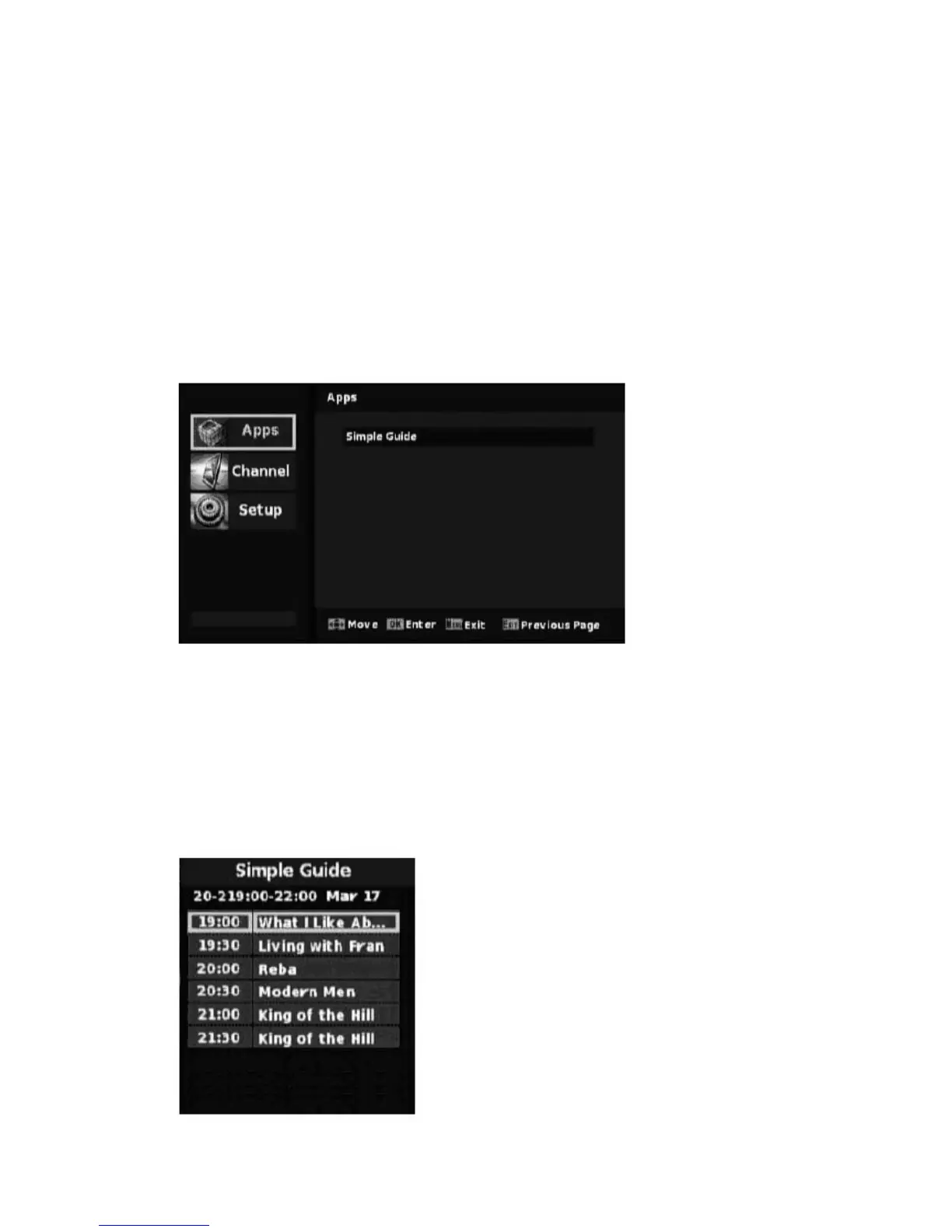
Press the MENU button to bring up the main menu. The main menu consists of 3
sub-menus. The following on screen display appear:
1. Apps
Items in Apps are “Simple Guide”
Simple Guide lists the followed programs’ simple information in current channel.


 To Next Page