17
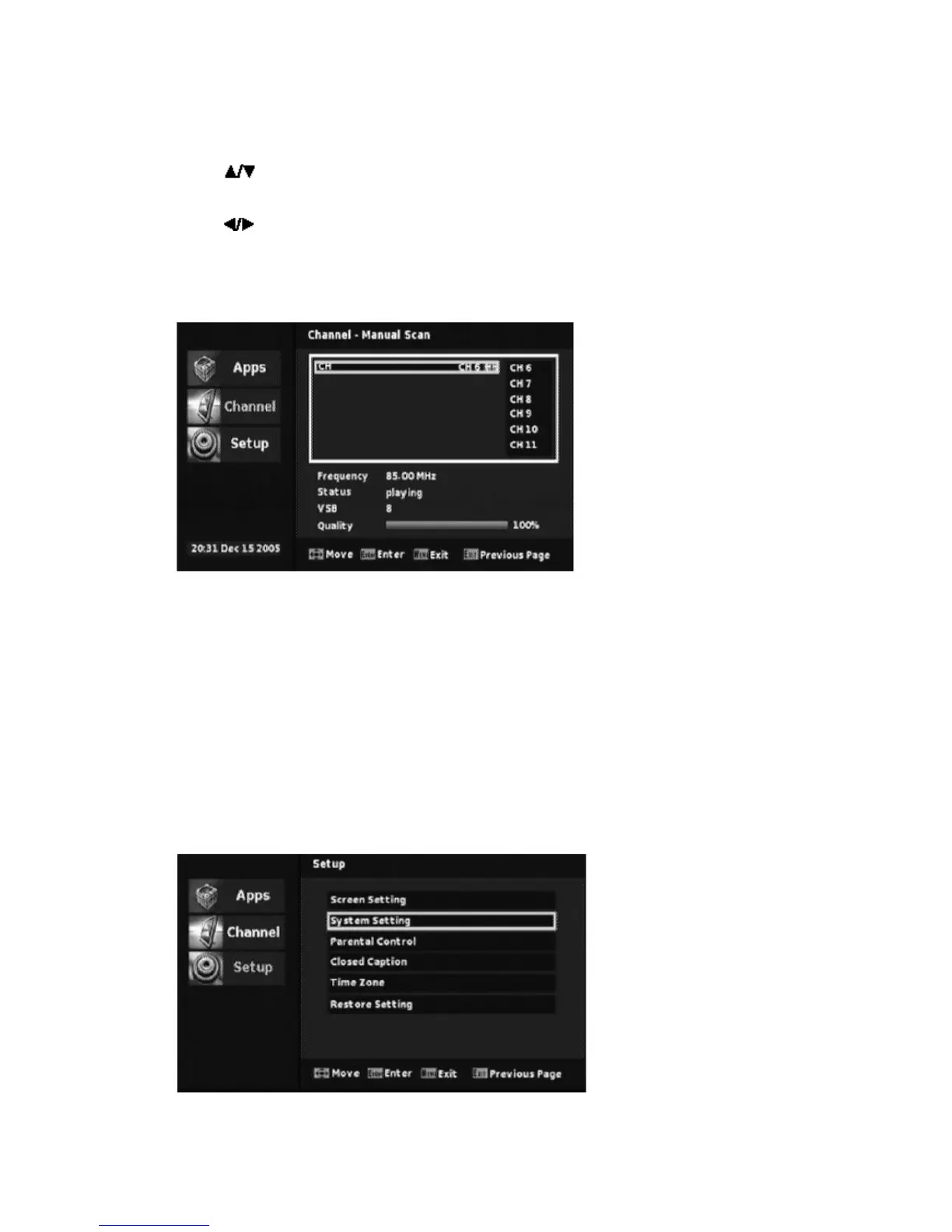
2.2 Manual Scan
Press “
” to focus “Manual Scan”,
Press “
” to select channel wanted
Press “OK” to make a scan on selected channel.
3. Setup
Items in setup are “Screen Setting”, “System Setting”, “Parent Control”, “Closed
Caption” Time Zone” and “Restore Setting”.
In the sub-menu, user can set screen, OSD language, audio language, power save
mode, RF output, parental control, closed caption and time zone. And user reset
the system to restore setting.


 To Next Page