OPERATIONS
- 1 2-
Track01
Track02
Track03
Track04
Track05
Track06
Track07
Track08
Mode
Edit mode
: Normal
Music Playing
=
Track01
Track02
Track03
Track04
Track05
Track06
Track07
Track08
Music Playing
=
Program View
Edit mode
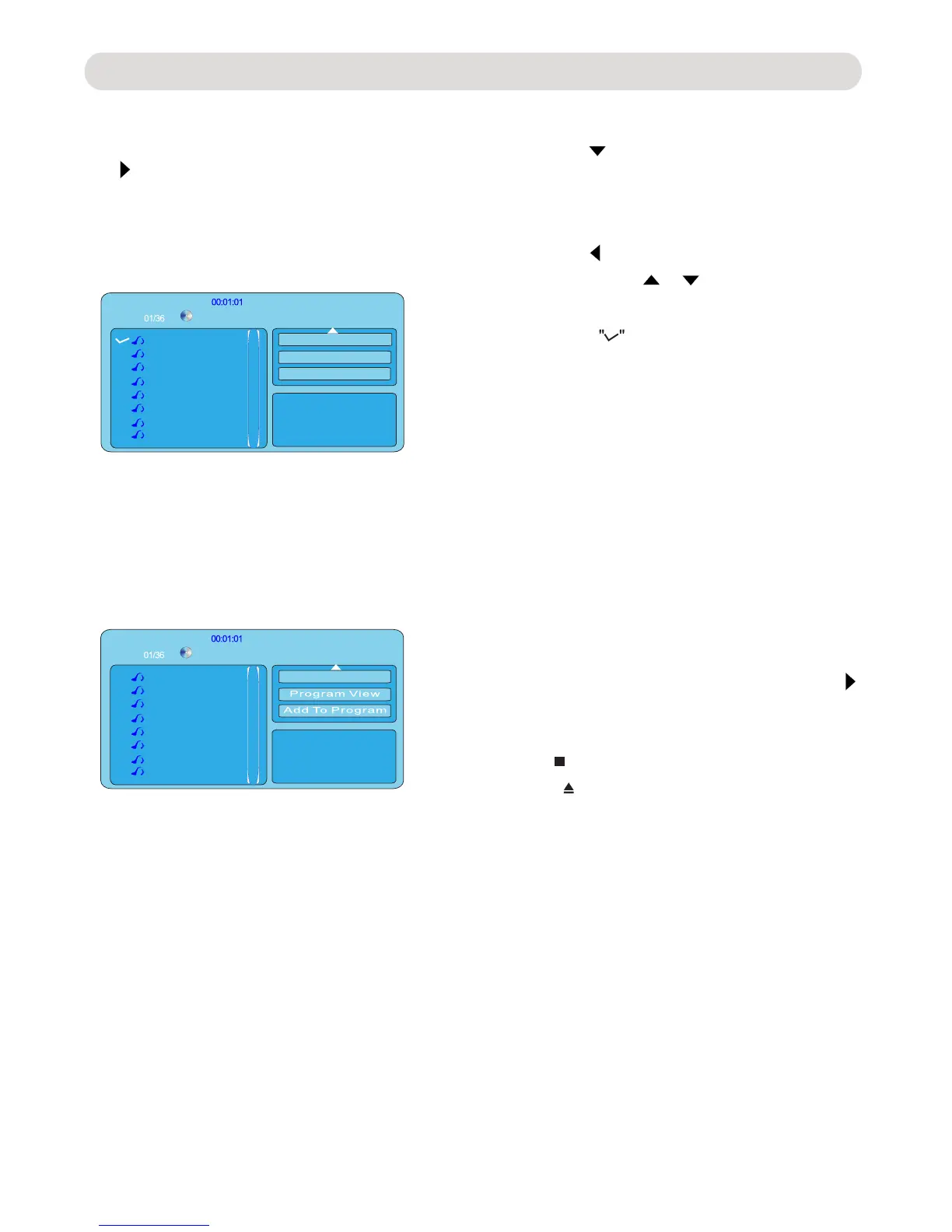
Fig 1:
Fig 2:
1. In stop playback mode, press the Direction
button to enter to setting menu as
2. Press the button repeatedly
until the Edit mode button on the screen
the ENTER button to enter.
3. Press the button to return to track list.
Use the Direction or buttons to highlight
4. Repeat the same procedures until all the
desired tracks were selected.
5. Use the Direction button to select and
highlight the Add to program button then
press the ENTER button.
6. Use the Direction button to select and
tracks list will appear on the screen.
to start program playback.
8. To stop program playback mode, press the
open the disc tray.
button to
STOP button to stop. Press the OPEN/
CLOSE
to confirm.
will appear on the Left of
selected track.
7. Use the direction button to select and
highlight
desired track then press the Play
button
Fig. 1
below.
was selected and highlighted as Fig.2
then press
Programming a CD/MP3/Photo Disc:
desired track then press the ENTER button
ENTER button. The programmed
highlight the Program View button then
press



 To Next Page