8
z Press the upper or lower side of the Crab Trimmer repeatedly to fine tune the
Joystick’s control of Crab.
z Press the upper or lower side of the Left/Right Trimmer repeatedly to fine tune the
Joystick’s control of Left/Right .
z
Press the upper or lower side of the Forward/Backward Trimmer repeatedly to fine
tune the Joystick’s control of Forward/Backward.
z Press the upper or lower side of the Speed Adjust Trimmer to adjust the moving
speed of the unit as desire.
z Whatever the direction of the unit. When pressed the Headless Button then:
a) Push the Right Joystick Upward to fly to front.
b) Push the Right Joystick Downward to fly to back.
c) Push the Right Joystick to right to fly to right.
d) Push the Right Joystick to left to fly to left.
z
During flying, press one key return button to fly to backward.
7. To power off the unit, push the Left Joystick to downward. Wait until the blade stop
turning. Disconnect the plug from battery to DC IN Jack on the unit.
8. To power off the Remote Control, slide the Power ON-OFF Switch to downward. The
Power On Indicator will not light.
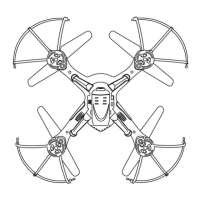
Replacement of Blades:
When the blade was damaged or deformed, replace it by the supplied same color spare
blade. Otherwise, the motion of unit will become abnormal.
For example, used the supplied black blade to replace the damaged/deformed black
blade in same location.
TROUBLE SHOOTING:
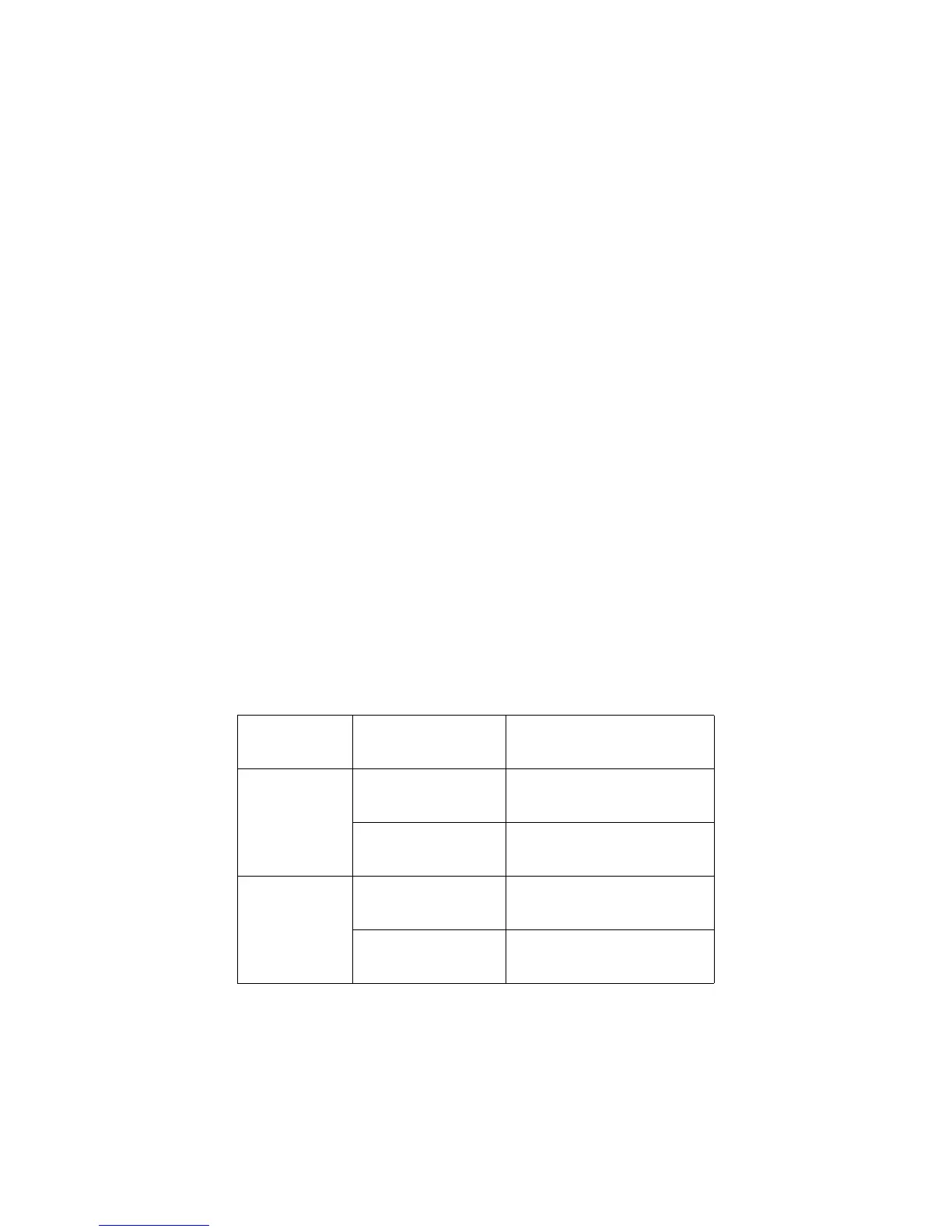
SYMPTOM: POSSIBLE CAUSE POSSIBLE SOULT ION
Remote Control not
functioning
The batteries consume. Replace by new batteries.
Batteries wrong installed.
Reinstall the batteries as the polarity
marking inside the battery compar tment.
The unit not workable
The built-in battery had not
connected to the unit.
Connect the built- in battery to the unit as
the “OPERATION” section point 3 on page
7.
The built-in battery consume.
Recharge the built-in batt ery as the
“PREPARATION” se
ction on page 4.



 To Next Page