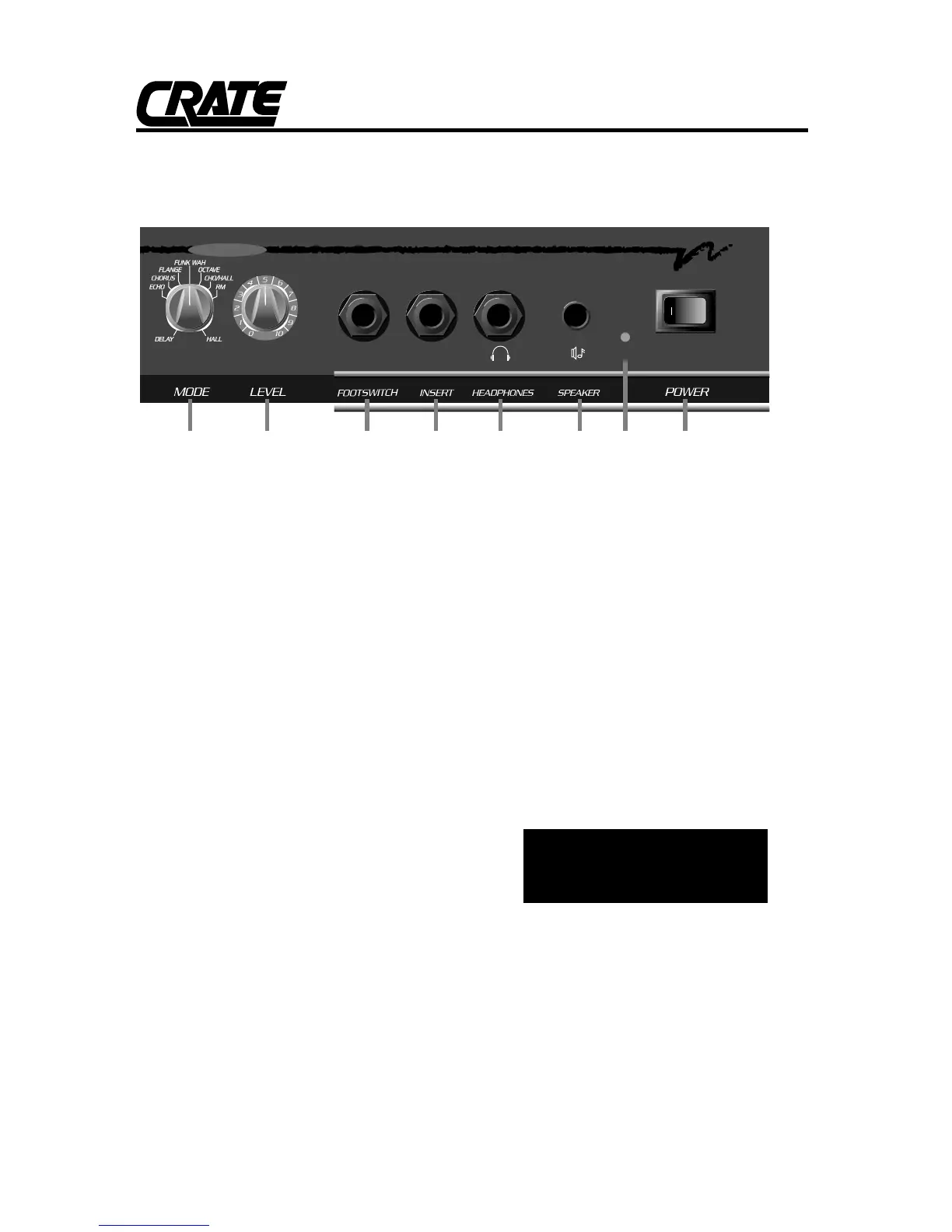
10. DSP MODE: Select the type of digital
effect(s) applied to the signal with this con-
trol. The effects are described as follows:
DELAY: Slapback delay effect
ECHO: Long delay effect with regeneration
CHORUS: Chorus effect
FLANGE: Light flange effect
FUNK-WAH: Touch-sensitive wah-wah (“T-Wah”)
effect
OCTAVE: Adds secondary note one octave
lower than original note
CHO/HALL: Chorus effect with large hall reverb
effect
RM: Small room reverb effect
HALL: Large hall reverb effect
11. DSP LEVEL: This is the output level con-
trol for the selected DSP effect(s). For a dry
signal (no effect), rotate the control full
counter-clockwise. Rotating the control
clockwise increases the magnitude of the
DSP effect(s) applied to the signal.
12. DSP FOOTSWITCH: Connect a one but-
ton footswitch (such as the Crate CFP-1)
here for remote on/off control for the internal
DSP effects.
13. INSERT: Connect an external effects
device using this jack. Use a stereo 1/4” male
Y-cord: ring = send, tip = return, sleeve =
ground. See the illustration to the right for
more information.
14. HEADPHONES: For private listening,
connect a pair of stereo headphones into this
jack. The internal speaker is disconnected
when headphones are plugged in.
15. SPEAKER: Use this jack to connect the
amplifier to an external speaker with a mini-
mum impedance rating of 4 ohms. The inter-
nal speaker is disconnected when this jack is
used.
WARNING: TO AVOID POSSIBLE
HEARING DAMAGE, DO NOT
USE HEADPHONES IN THE
SPEAKER JACK!
16. ON LED: This LED will illuminate when
the amplifier is turned on.
17. POWER: This switch applies AC power
to the amplifier. The amplifier is ON when the
side of the switch with the indicator (|) is
depressed.
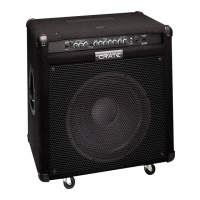
BFX100 Bass Amplifier



 To Next Page