EasyManua.ls Logo

Create SILKAIR CONNECT ELITE PRO - User Manual

Create SILKAIR CONNECT ELITE PRO
88 pages
Print Icon
To Next Page IconTo Next Page
Loading...
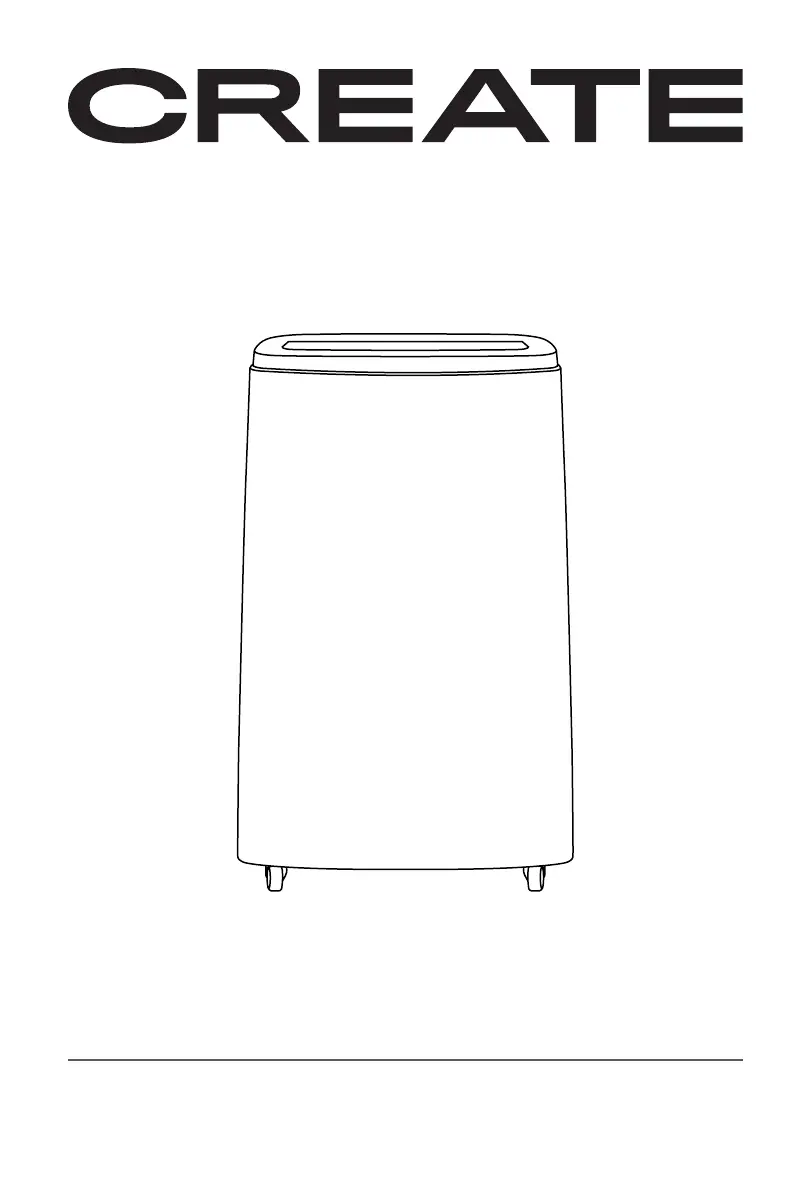
PORTABLE AIR CONDITIONER 4 IN 1 WITH WiFi
AIRE ACONDICIONADO PORTÁTIL 4 EN 1 CON WiFi
USER MANUAL
SILKAIR CONNECT
ELITE PRO

Table of Contents

Questions and Answers

  • M
    Matthew McmahonAug 7, 2025
    Why is the cooling effect not good in my Create Air Conditioner?
    • R
      Roy WilliamsAug 7, 2025
      If the cooling effect of your Create Air Conditioner isn't satisfactory, consider these factors: direct sunlight may be entering the room (pull the curtains); doors or windows might be open, or there could be other heat sources present (close doors and windows, consider an additional air conditioner); the filter screen could be dirty (clean or replace it); or the air inlet or outlet might be blocked (clear any obstructions).
  • D
    David MillerAug 12, 2025
    What to do if the remote control of my Create Air Conditioner does not work?
    • P
      Pamela KelleyAug 13, 2025
      If the remote control for your Create Air Conditioner isn't working, make sure the distance between the remote and the unit isn't too far, and that the remote directly faces the receiver on the air conditioner. Also, check if the batteries are dead and replace them if needed.
  • A
    ahicksAug 19, 2025
    How to reduce big noise from my Create Air Conditioner?
    • M
      Michele PerezAug 19, 2025
      If your Create Air Conditioner is making a lot of noise, ensure it is placed on a flat and hard surface to help reduce the noise.
  • P
    Patricia RobinsonAug 25, 2025
    How to fix a Create SILKAIR CONNECT ELITE PRO that does not work?
    • S
      Shannon OneillAug 26, 2025
      Your Create Air Conditioner may not be working due to several reasons. Ensure the unit is connected to a socket with electricity. If the overflow indicator displays 'FL', discharge the water inside. The ambient temperature may be too low or too high; it's recommended to use the machine between 7-35 0C (44-95 0F). In cooling mode, the room temperature might be lower than the set temperature, or in heating mode, higher than the set temperature (change the set temperature). Finally, in dehumidification mode, ensure the ambient temperature is greater than 17 0C (62 0F).
  • T
    Toni MartinAug 31, 2025
    Why the compressor of my Create Air Conditioner does not work?
    • R
      Rose WilliamsAug 31, 2025
      If the compressor of your Create Air Conditioner isn't working, it might be due to overheat protection being activated. Wait for 3 minutes until the temperature lowers, and then restart the machine.

Summary

Safety Instructions

General Safety Precautions

Basic safety precautions to be observed when using any electrical appliance, including handling, operation, and maintenance.

Product Overview

Parts List

List of all components included with the air conditioner, with corresponding numbers.

Control Panel Overview

Overview of the buttons and indicators on the appliance's control panel for operation.

Operation Modes

Remote Control Functions

Details on the functions and operation of the remote control for the air conditioner.

App Connectivity Setup

Instructions for connecting the appliance to the CREATE HOME mobile application.

System Features and Protection

System Requirements and App Connection

Outlines system requirements and step-by-step guide for connecting the appliance via the app.

Protection Functions

Explains various protection mechanisms like frost, overflow, and compressor protection.

Installation and Adjustment

Heat Pipe Installation

Guide on how to install the heat pipe assembly for the air conditioner.

Window Sealing Plate Installation

Instructions for mounting and adjusting the window sealing plate.

Appliance Placement and Exhaust Hose

Instructions for positioning the unit and connecting the exhaust hose.

Drainage Instructions

Manual Drainage

Steps for draining water from the tank when it is full.

Continuous Drainage

Guide for setting up continuous water drainage, especially for dehumidifying mode.

Maintenance and Storage

Maintenance Procedures

Steps for cleaning the surface, filter screen, and filter screen frame.

Storage Guidelines

Recommendations for storing the appliance when not in use to prevent damage.

Troubleshooting Guide

Problem Diagnosis and Solutions

Common problems, their possible causes, and solutions for the air conditioner.

Create SILKAIR CONNECT ELITE PRO Specifications

General IconGeneral
BrandCreate
ModelSILKAIR CONNECT ELITE PRO
CategoryAir Conditioner
LanguageEnglish

Related product manuals