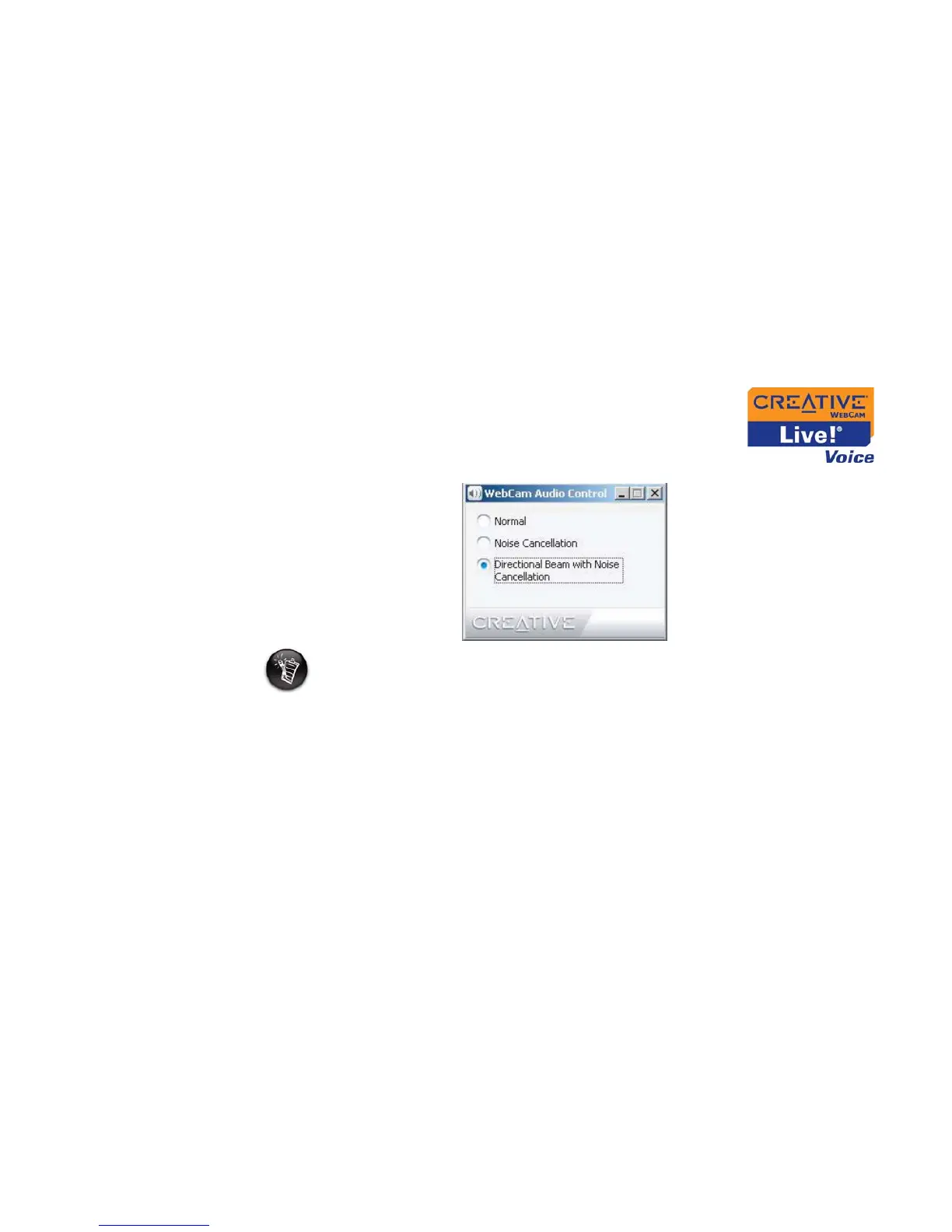
Using Creative WebCam Center 4-8
Note
• This feature is only available for Creative Live! Cam Voice.
• It is recommended that you set Directional Beam with Noise Cancellation as the
default setting before you begin video chatting.
• To change your default recording device settings, see "Frequently Asked
Questions" on page C-1.




 To Next Page