Using Your NOMAD II Player 12
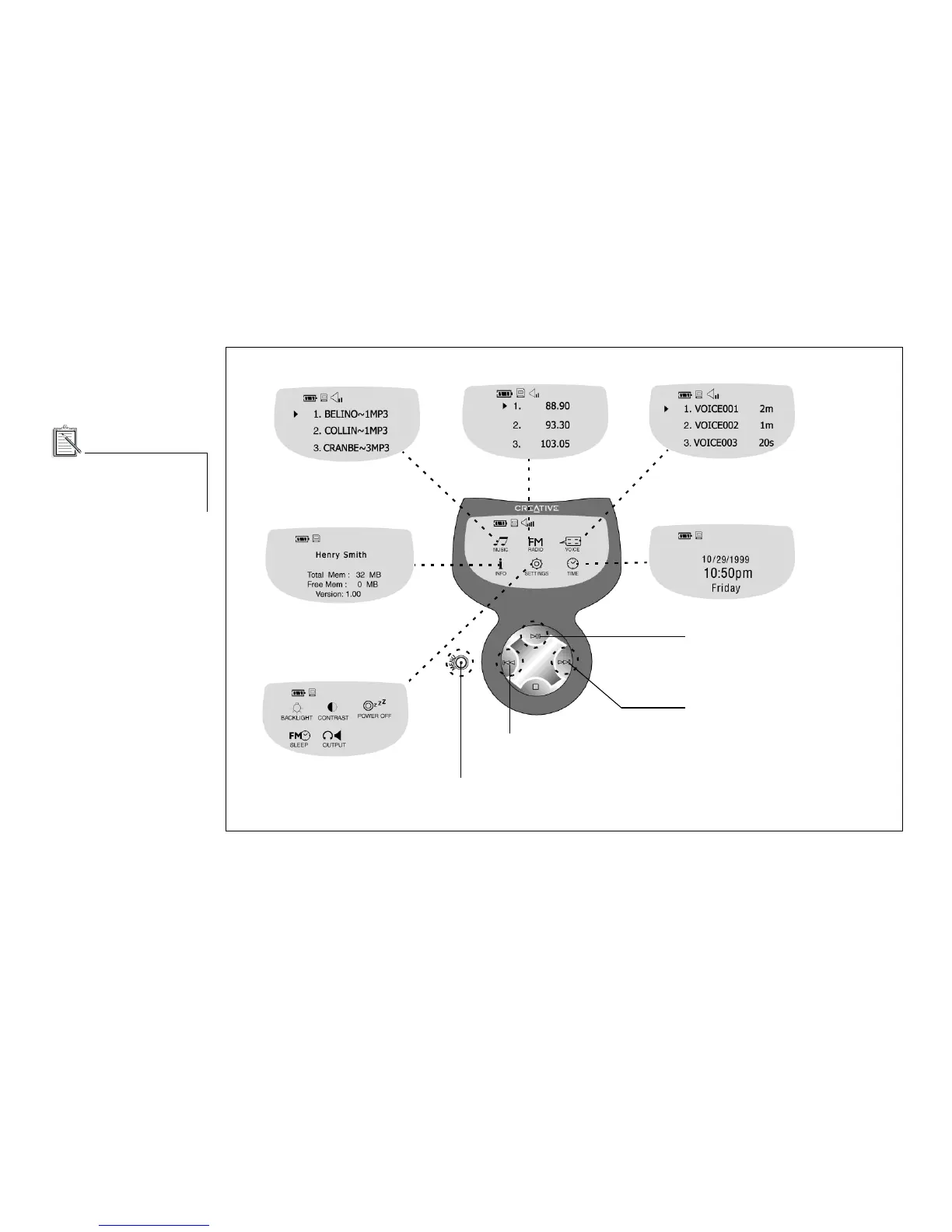
There are six menus that control the operations of the Player. They are accessed from the Player’s Main menu
.
Music menu
Voice menu
FM Radio menu
Main menu
Press the Menu button to go to the Main menu or
to a submenu after performing a function.
Info menu
Time menu
Settings menu
Press the Play button to access a
menu (represented by an icon) or a
playlist item on the LCD.
Press the Forward button to navigate
to the next item on the right or below.
Press the Reverse button to navigate to the
previous item on the left or above.













 To Next Page