Using Your NOMAD II Software in Windows 23
4
%( .
This chapter describes only the basic tasks available with PlayCenter 2. For more information, see the
PlayCenter 2 Help file by clicking the question mark (?) on the PlayCenter 2; or click Start on the Task bar,
choose Programs, choose Creative, choose PlayCenter 2.0, and click on Creative PlayCenter 2.0 Help.
/
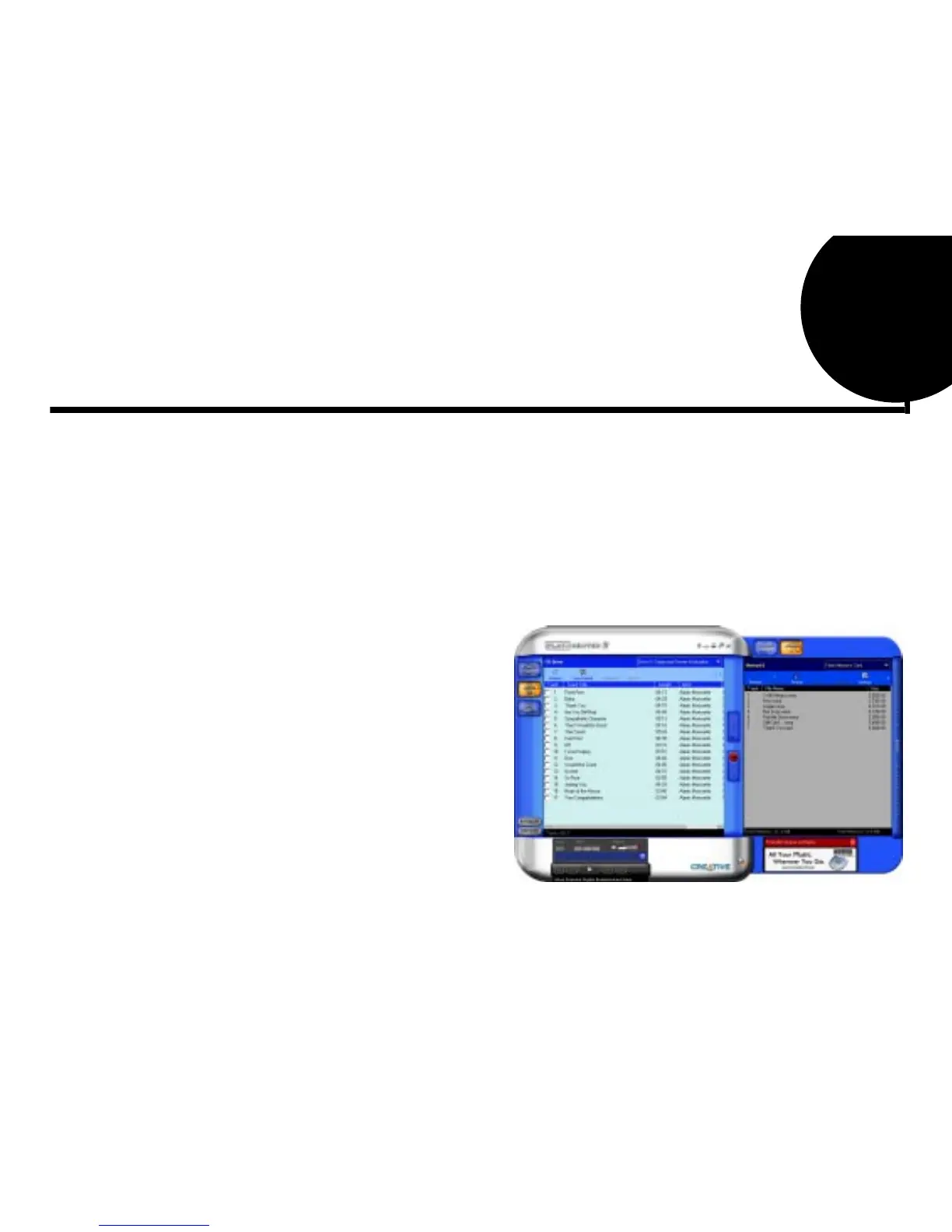
Creative PlayCenter 2 allows you to manage the contents on your NOMAD II:
❑
Play MP3 files on the NOMAD II.
❑
View and manage the contents of the NOMAD II.
❑
Upload MP3 and other files to the NOMAD II.
❑
Download the contents (except MP3 files) to the computer.
To open PlayCenter 2:
1. Connect NOMAD II to your
computer. (See “Connecting the
NOMAD Player to a Computer” on
page 8.)
2. You can start PlayCenter 2 by either
of the following methods:
• Double-click on the PlayCenter
2 icon on the Windows Desktop.
• Click Start on the Windows
Task bar, select Programs, select
Creative, select Creative
PlayCenter 2.0, and click on
Creative PlayCenter 2.0.













 To Next Page