Using Your NOMAD II Player 15
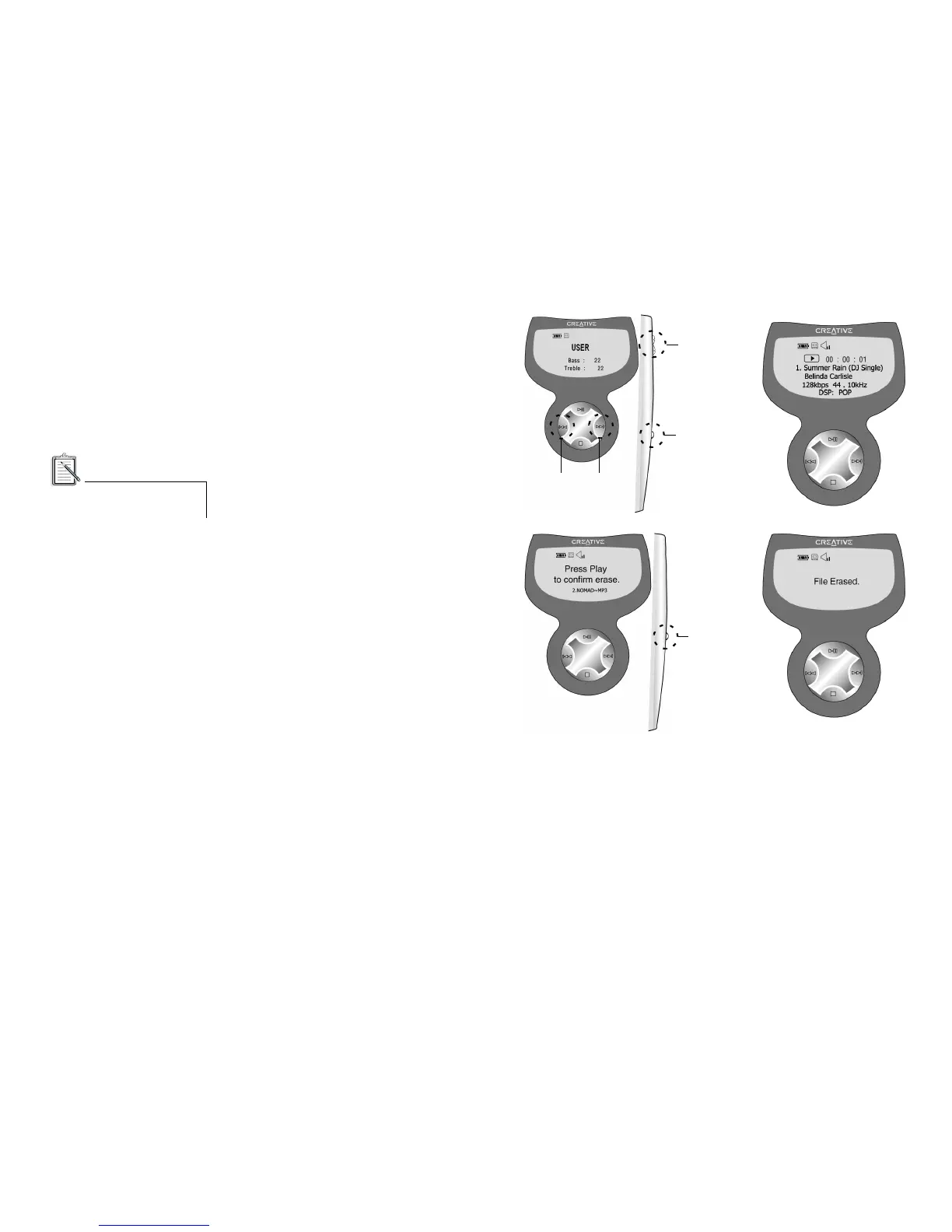
To use the DSP Equalizer:
1. Press the DSP button to select the
Equalizer mode. Then press
repeatedly to select an option among
Normal, User, Pop, Rock, Classic, and
Jazz that appears in turn.
To erase an MP3 file:
1. Press the Menu button to go to the
Music menu.
2. Select the desired track using the
Forward or Reverse button.
3. Press the Erase button. A confirmation
message appears on the LCD.
Press the Play (Select) button to erase.
4. To cancel, press any button other than
the Play button. Or, do not press any
button for three seconds.
5. When the action is cancelled, it returns
to the Music menu.













 To Next Page