6
Creative MediaSource
For more advanced song management tasks, such as creating and managing playlists, you can use
Creative MediaSource Organizer. Creative MediaSource Player/Organizer is your digital music
center for playing, creating, organizing and transferring digital music. To launch Creative
MediaSource Player/Organizer, double-click the Creative MediaSource Player/Organizer
icon on your desktop
.
Play Songs
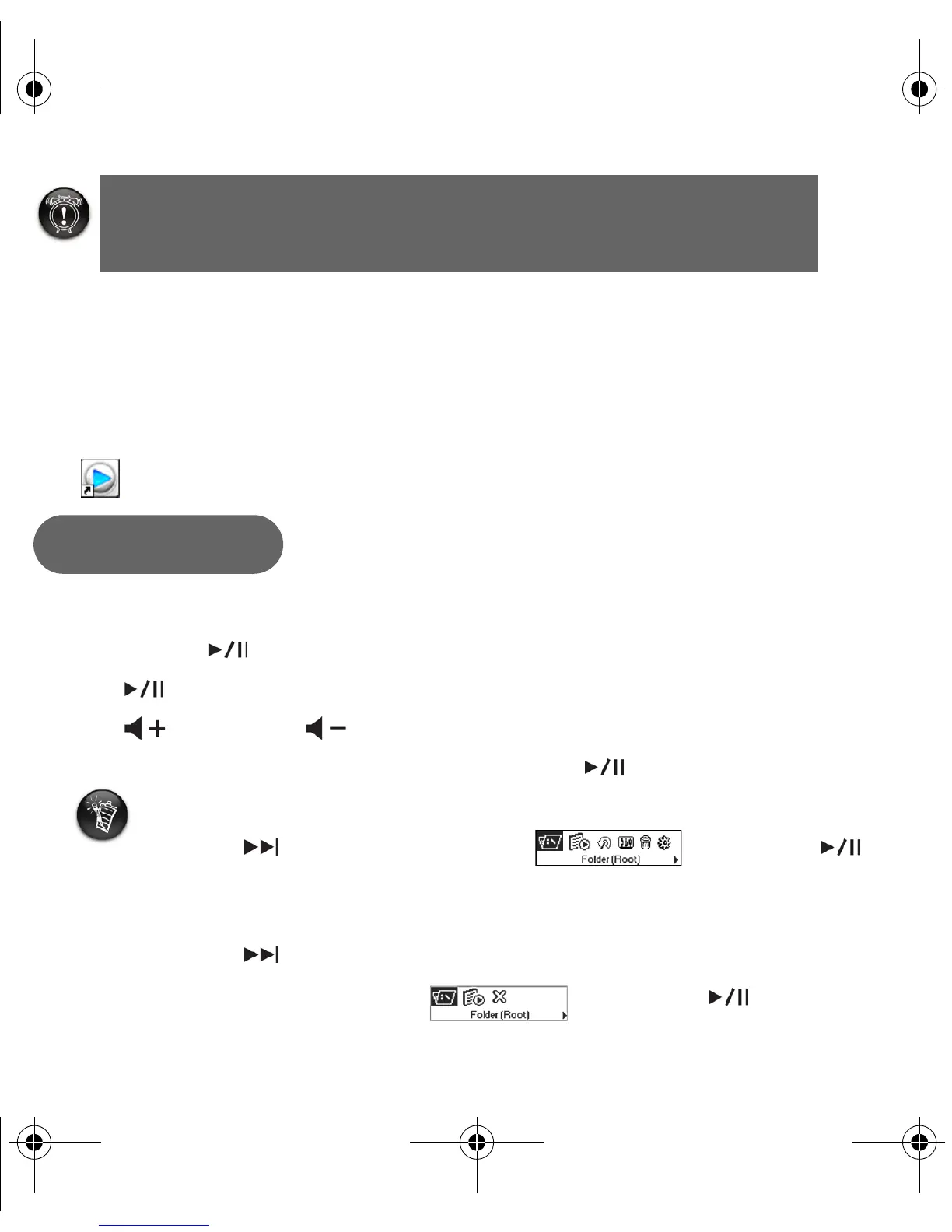
1. Press and hold until your player turns on.
2. Press to start playing the songs that you transferred to your player.
3. Press to increase or to decrease the volume.
4. After you have finished using your player, press and hold until your player turns off.
Warning! To prevent data loss, your player must be
disconnected in a proper manner. See “Disconnecting
your player properly” on page 7.
Step 4
You can play all music from the player's root folder.
1. Press MENU.
2. Press to browse to the Folder (Root) option, and press .
If you cannot locate the Folder (Root) option in the main menu:
1. Press MENU.
2. Press to browse to the Browser option.
3. Press MENU to select this option.
4. Browse to the Folder (Root) option, and press .
New_English_Omicron_13pg.fm Page 6 Tuesday, March 23, 2004 6:47 PM














 To Next Page