2. Enable Bluetooth on your mobile device to initiate pairing. In the event where
you have taken the right ear bud out first, the main unit will appear on your
device as "Outlier Air R". Tap on it to start the pairing process.
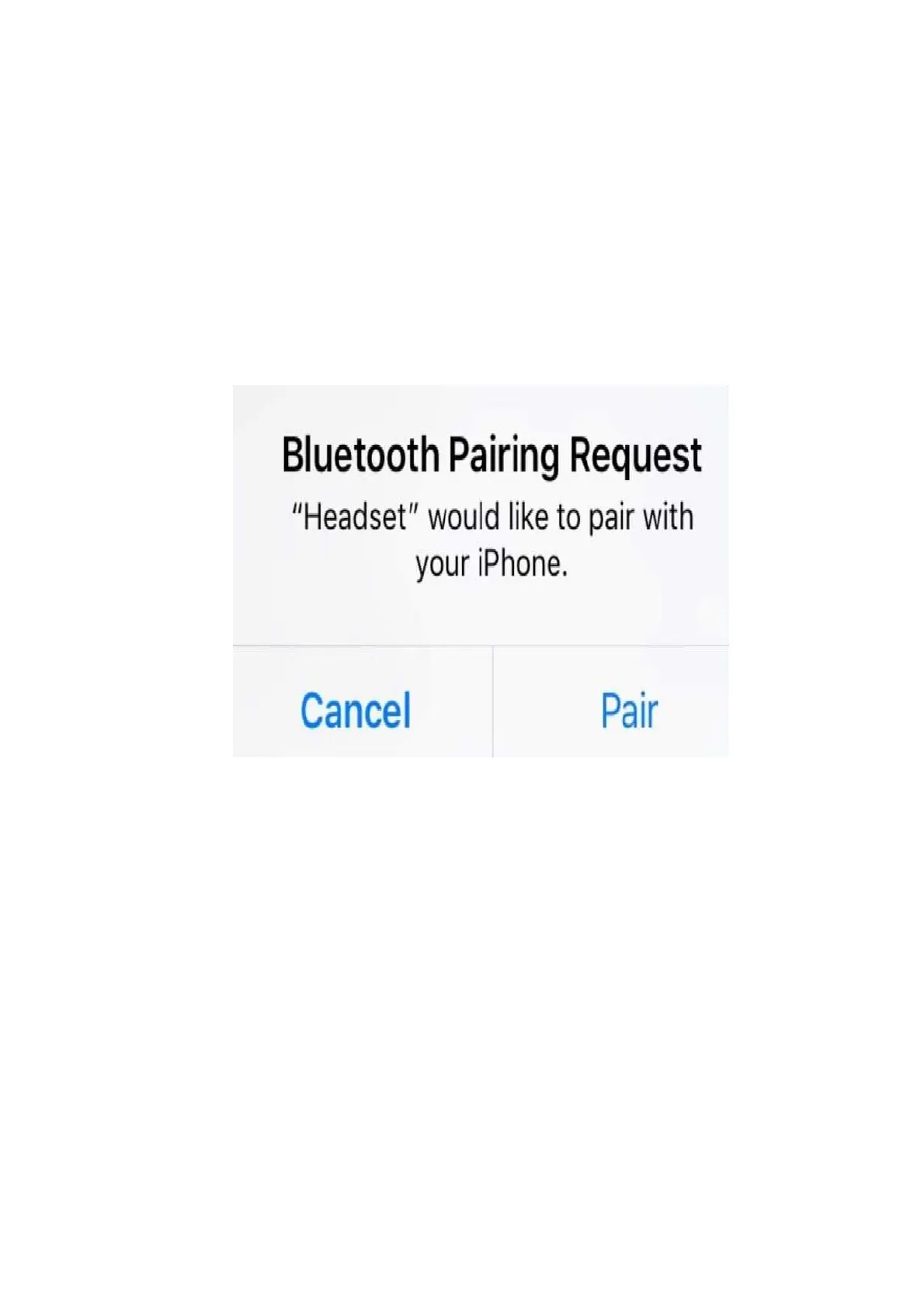
When connecting to a mobile device, always select "Pair" or "Connect" when
prompted. This will ensure that the secondary unit will also be registered/paired
with the mobile device.
In iOS, "Headset" is used to reference to the secondary unit.
Android devices, on the other hand, use the term "Outlier Air L" or "Outlier Air R"
to refer to the secondary unit.



 To Next Page