SOFTWARE / APP DOWNLOAD
PC and Mac
Download the Creative app for your PC or Mac from creative.com/support/SBX5 to enjoy
complete control of your personalized audio experience on the Sound Blaster X5.
iOS and Android
Download the Creative app to enjoy quick access to controls and settings from your mobile.
With the Creative app, you can:
• Access Creative’s proprietary suite of fully-customizable audio enhancement technologies
• Personalize audio with customizable Acoustic Engine proles or experience professionally-
tuned audio presets for music, movies, and more
• Set up additional speakers and headphones’ congurations
• Adjust playback and recording settings
• Perform rmware upgrades, product registration, and more
Scout Mode™, CrystalVoice™, and Sound Blaster Acoustic Engine’s features are only
accessible via the Creative app on PC and Mac.
Download the Creative App from:
iOS App Store Google Play Store
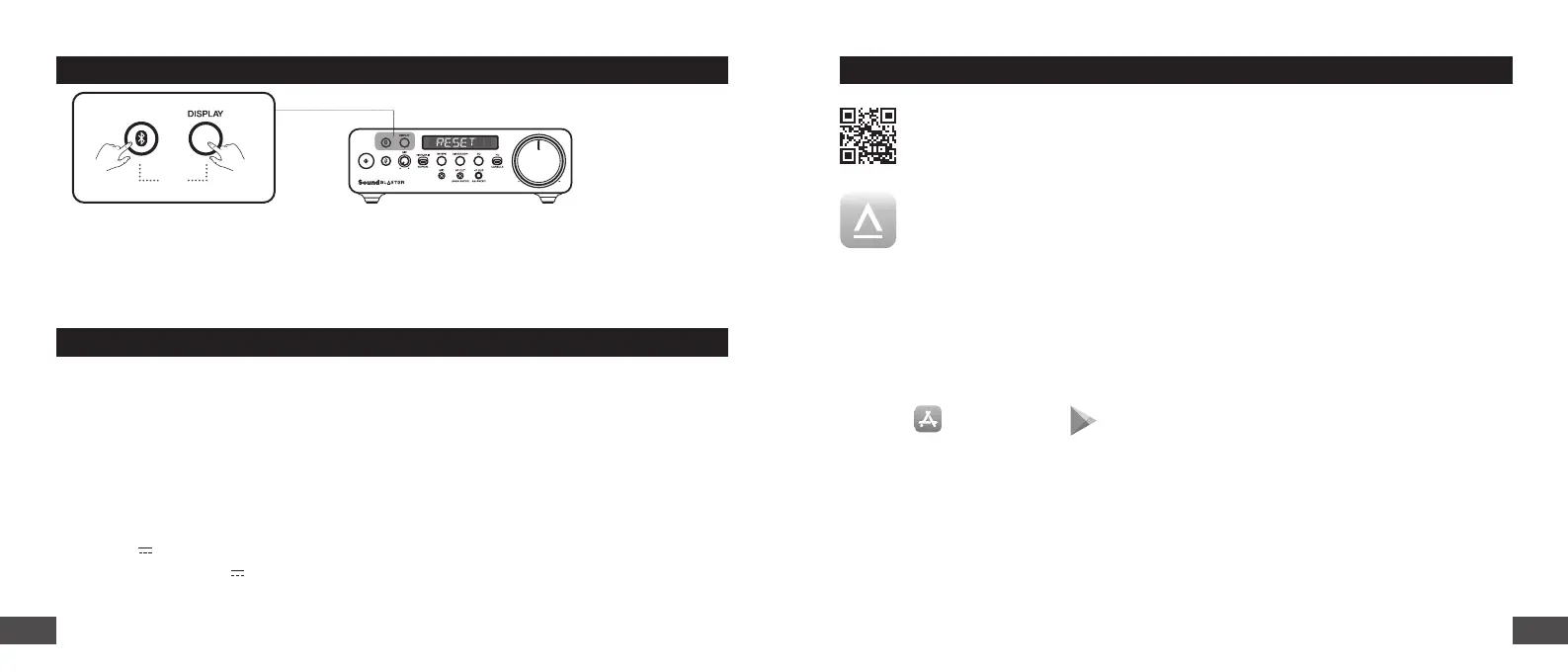
MASTER RESET
Press and hold the Bluetooth and Display buttons for 5 seconds or trigger Device Reset from the
Creative app to perform a Master Reset. Upon completion, the LED display will show “RESET”.
Master reset is reserved for cases where users encounter issues while the USB Sound Card is in use
or in situations such as: Bluetooth Pairing failure, unexpected sound cuts, or to reset all data.
5s
TECHNICAL SPECIFICATIONS
Wireless Technology: Bluetooth 5.0
Bluetooth Proles: A2DP (Advanced Audio Distribution Prole), AVRCP (Audio / Video Remote
Control Prole), HFP (Hands-free Prole)
Supported Audio Codecs: SBC
Operating RF range: 2402–2480 MHz
Operating Range: Up to 10m / 33 ft (Unobstructed Line-of-sight)
Operating Temperature: 0–45°C
Maximum RF Output Power: 4 dBm
Input: 5V 1A
USB-A Host Output: 5V 100 mA
1716


 To Next Page