Setting Up Your Device
Step 1: Positioning of Live! Cam IP SmartHD
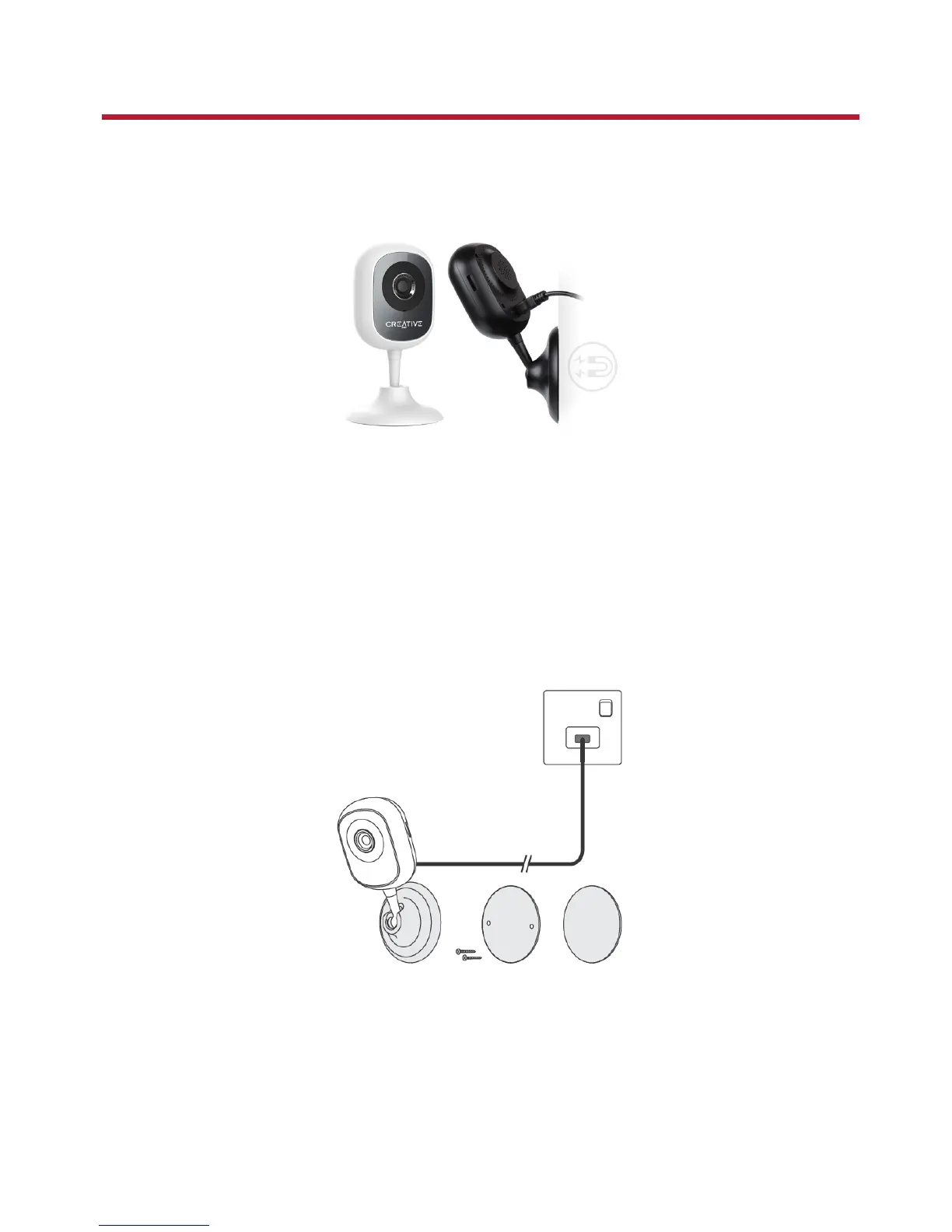
Place it upright, mount it on the wall or stick on metal surfaces with its magnetic base.
Connecting to power supply
Connect your camera directly to an ACpower supply using the supplied cable and power adapter.
LEDindicator:
l Red: Booting
l Red (blinking): Ready to connect
Mounting the camera
Secure the mounting plate to a flat surface using either the screws or mounting tape supplied.
Notes:
Peel off the protective film on the bottom of the camera before mounting.
Ensure the camera is mounted within reach of an AC power supply.
Live! Cam IP SmartHD (VF0820) – Setting Up Your Device 4


 To Next Page