1
English
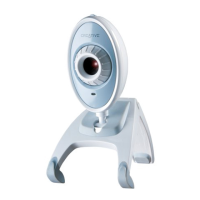
About Your Creative WebCam
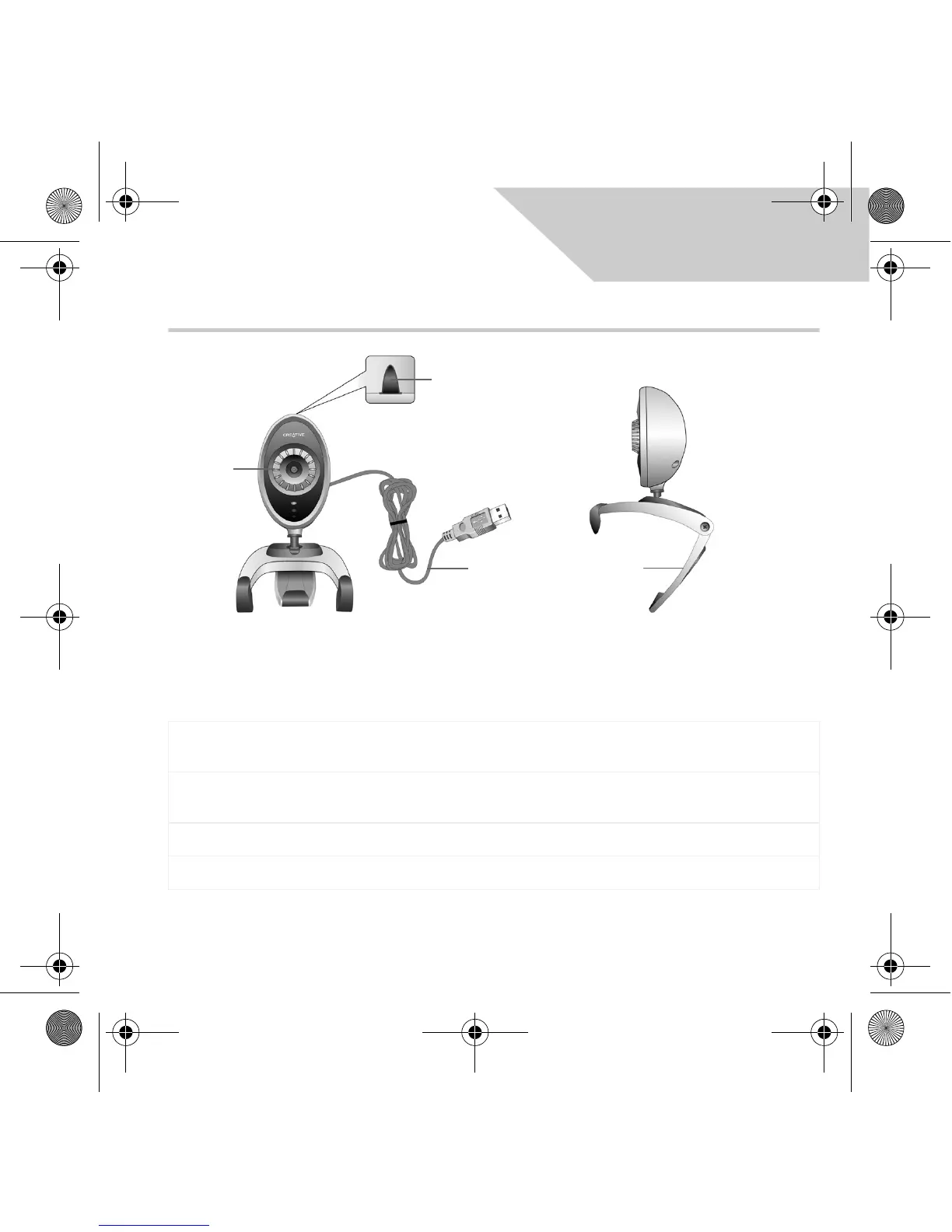
Focus ring
Adjusts the view focus. Point the lens toward your subject and then rotate this ring in
a clockwise or counterclockwise motion until the image is in focus.
Snapshot
button
Press it to launch WebCam Center and capture images.
USB cable Connect it to your computer's USB port.
Hinged lever Use this to mount your Creative WebCam on an LCD display panel.
Focus ring
Snapshot
button
USB cable
Hinged
lever
Figure 1
Front View Side View
CLA WC Instant.fm Page 1 Wednesday, August 24, 2005 5:28 PM








 To Next Page