Installing Creative WebCam Notebook 1-1
Installing Creative WebCam Notebook
This chapter tells you how to quickly install Creative WebCam Notebook.
About Creative
WebCam
Notebook
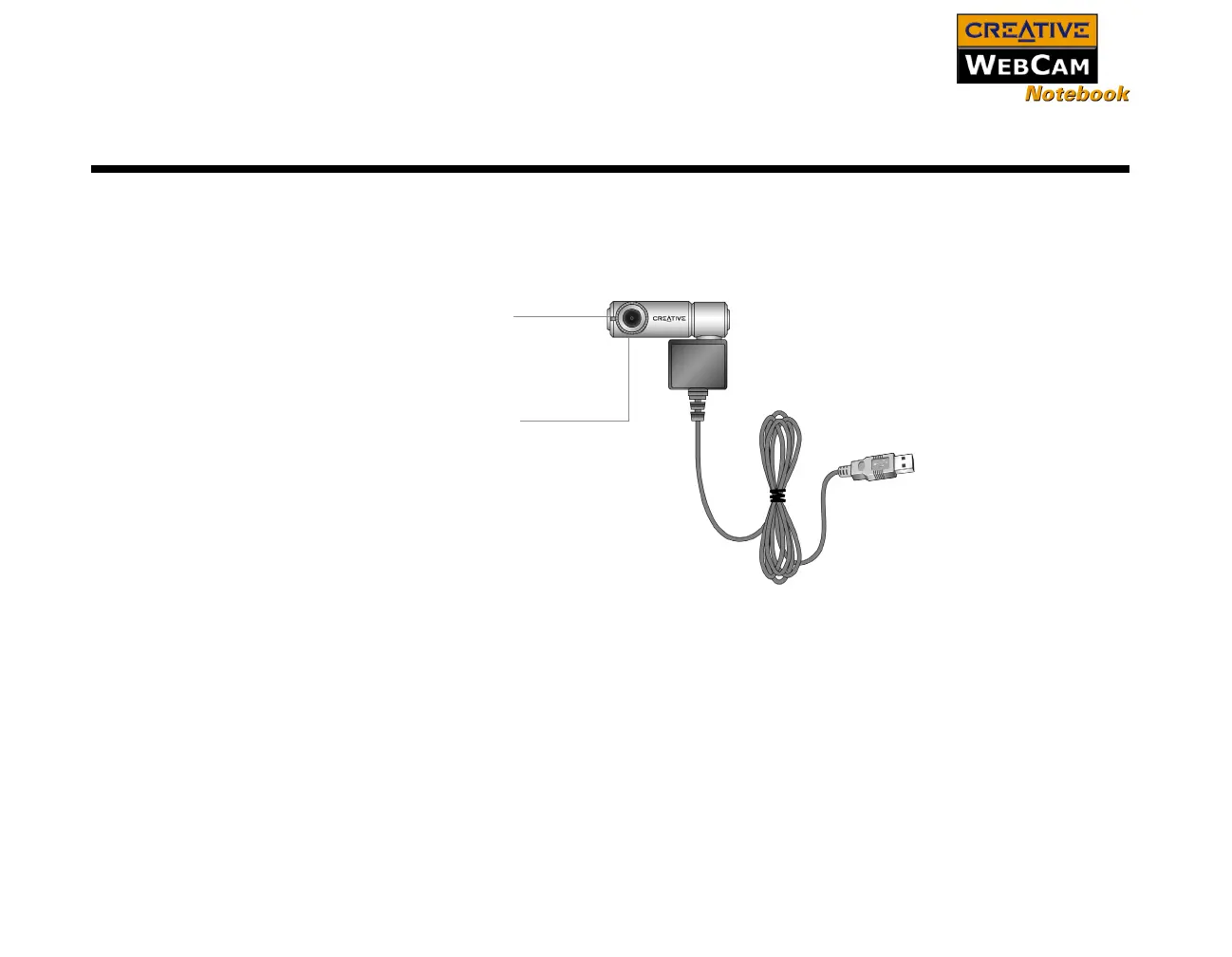
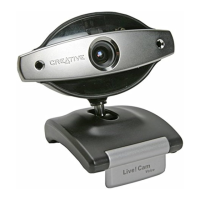
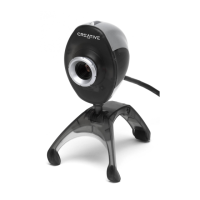
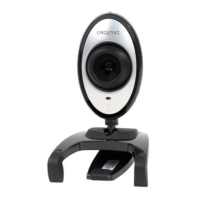
Figure 1-1 highlights the features of Creative WebCam Notebook.
Figure 1-1: Creative WebCam Notebook
Focus ring
To adjust the view focus, point the lens
toward your subject and then rotate this
ring in a clockwise or counterclockwise
motion until the image is in focus.
USB connector
USB cable
Power LED








 To Next Page