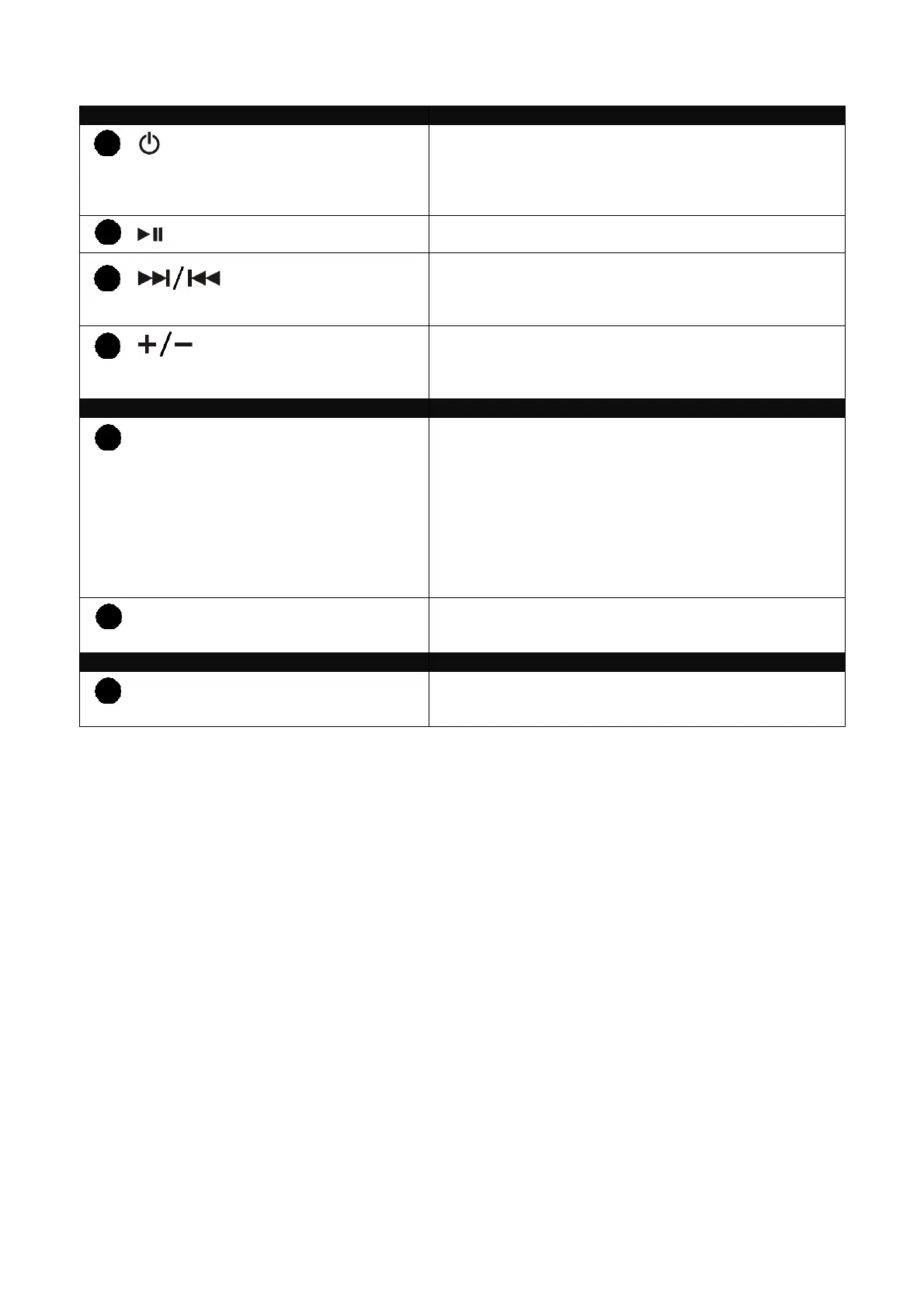
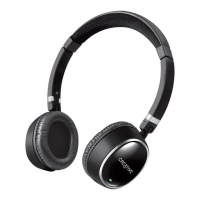
List of button, indicator and connector functions
Button Function
Power / Pair Press and hold for about 2 seconds to power on the
headphones. Press and hold for about 4 seconds to
power off the headphones. In off mode, press and hold
for more than 4 seconds to activate Pairing mode.
Play / Pause Press to play. Press again to pause playback.
Next, Forward / Previous,
Rewind Track
Press to change to the next or previous track. Press and
hold to fast forward or reverse track (this function is
device dependent).
Volume Up / Volume Down Press ‘+’ to increase or press ‘-‘ to decrease volume. A
beep tone is emitted at maximum volume level. Pause
headphones to mute.
Light Indicator Function
Right earcup light indicator Green and blinks slowly: automatically searching and
attempts to connect to the last paired device.
Blue and blinks slowly: connected to a paired device.
Blue and blinks rapidly: in pairing mode and is ready to
pair with a new device.
Red and blinks twice: powering off the headphones.
Red and blinks slowly: low battery, charge headphones
soonest. This is accompanied by a beep tone every 2
minutes.
Left earcup light indicator Red: charging headphones.
Green: headphones fully charged.
Connector Function
Micro-USB charging connector Use the supplied USB cable for charging the headphones
via a laptop or computer.
1
2
3
4
5
6
7


 To Next Page