8 Getting Started
3 Locate your media files and copy them to your player using the
drag-and-drop method.
To transfer data files
1 Repeat steps 1 and 2 in "To transfer or ‘rip’ music from your CD collection".
2 Click the Browse Documents button .
3 Locate your data files and transfer them to your player using the
drag-and-drop method. You can also transfer audio files and photos using
the Browse Documents button .
Step 5: Disconnect Your Player
When you have finished transferring files, disconnect Zen Vision:M.
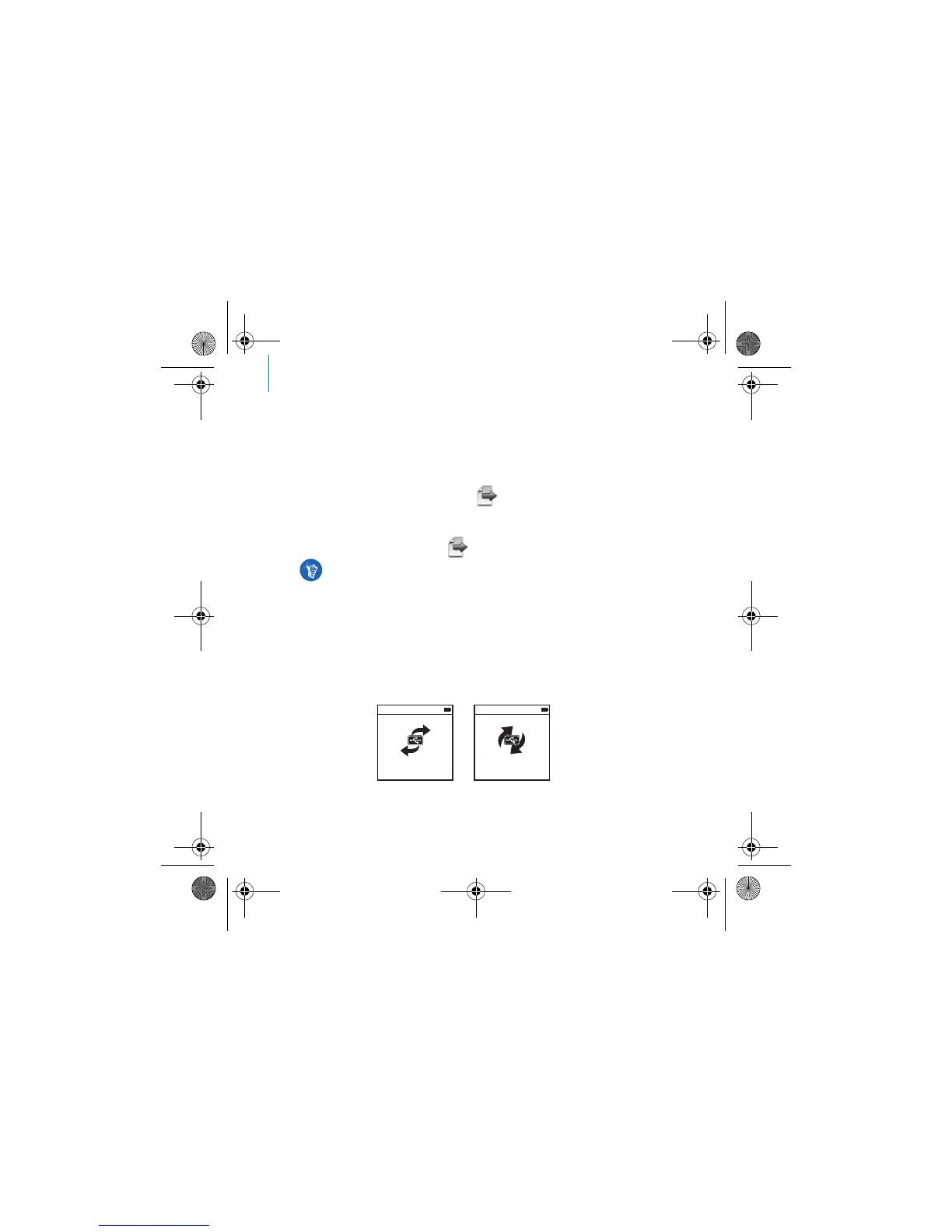
DO NOT disconnect your player if you see the left picture below on the display.
Track or data file transfer is in progress and disconnecting your player may
damage the content being transferred. Wait until you see the right picture
below on the display before disconnecting your player.
Make sure files are transferred to the correct folder, for example pictures are
transferred to Media → Pictures and music to Media → Music.
Docked
Docked
Zen Vision Mini PM3.book Page 8 Friday, October 21, 2005 11:39 AM











 To Next Page