Using the Navigation Controls 3
Using the Navigation Controls
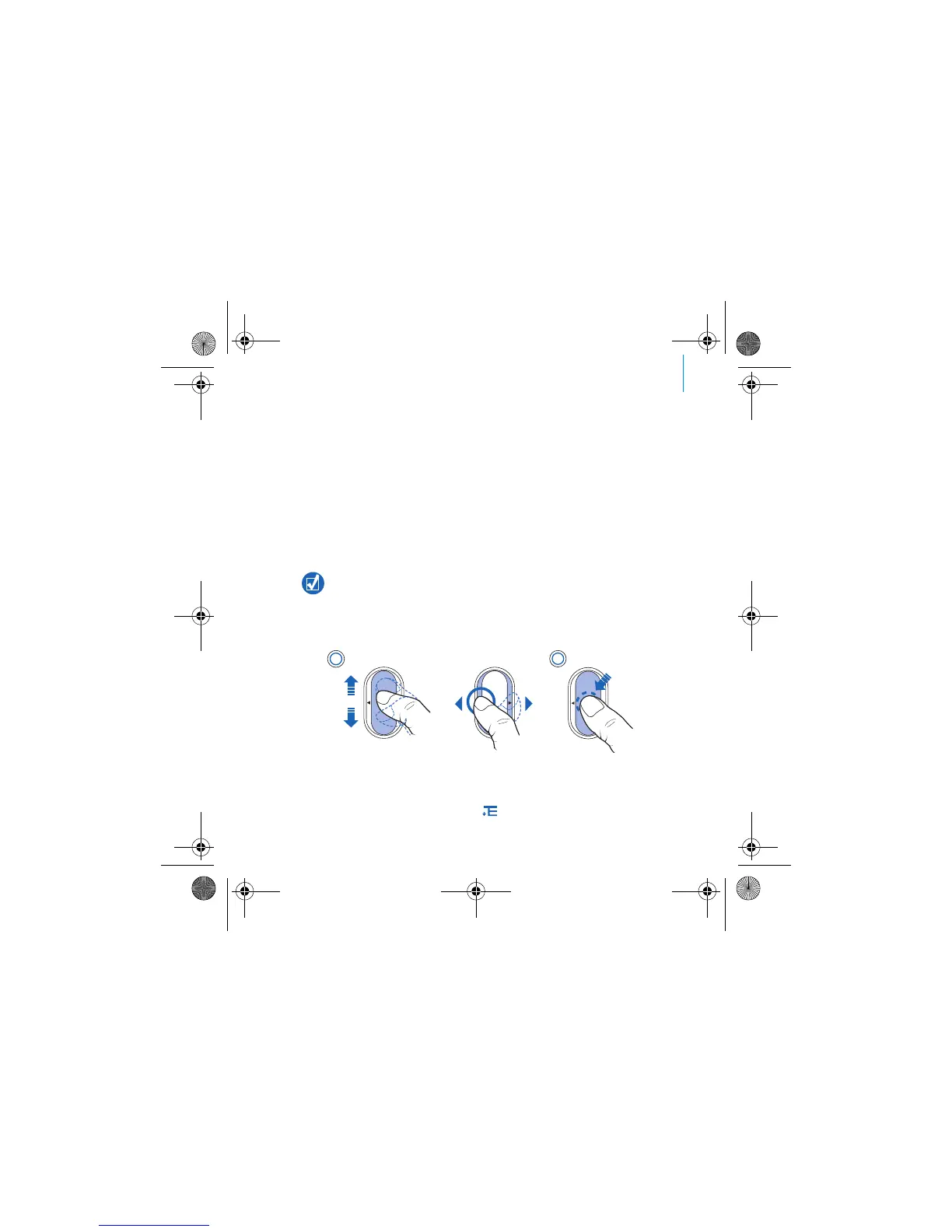
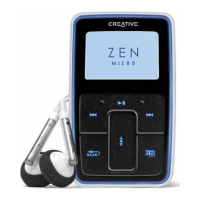
We use the term “Navigation controls” to mean the following:
Vertical Touch Pad
Previous/Rewind button
Next/Fast Forward button.
We use the term “Select” to mean the following actions:
1 Move your thumb up and down the Vertical Touch Pad to move vertically in a
menu OR press the Previous/Rewind or Next/Fast Forward button to move
horizontally in a menu.
2 Firmly tap the Vertical Touch Pad to select the highlighted option.
To adjust volume with the Vertical Touch Pad
Depending on the menu you are in, move your thumb up and down the Vertical
Touch Pad OR press the Options button and select Volume.
Press the top or bottom edge of the Vertical Touch Pad to move up or down one
menu option.
Press and hold the top or bottom edge of the Vertical Touch Pad to rapidly scroll
through menu options.
2
1
OR
Zen Vision Mini PM3.book Page 3 Friday, October 21, 2005 11:39 AM











 To Next Page