4 Charge Your Player
Step 2: Charge Your Player
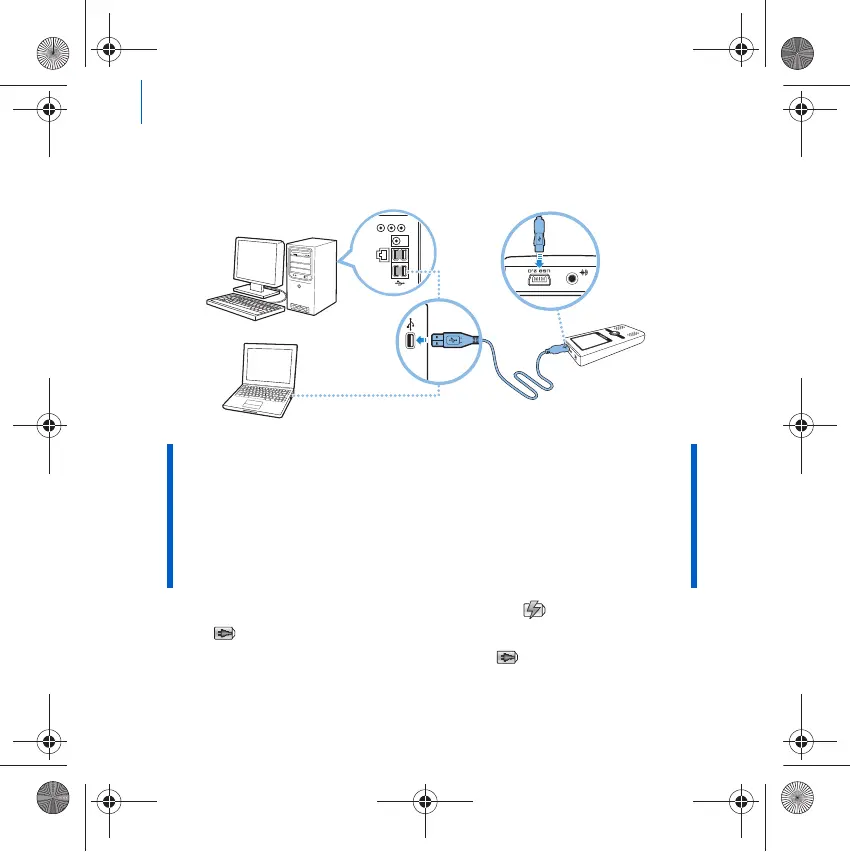
1 If you have not done so, connect your player to your computer’s USB port
with the supplied USB cable.
When the battery is charging, the battery charging icon and external
power icon flashes alternately on the display. The battery is fully
charged when you see only the external power icon on your player’s
display.
NOTE ■ For continuous battery charging using the USB port, make sure
your computer is not in power conservation mode. For more
information on power conservation modes, refer to your
operating system's Help.
■ Connect to a computer USB port only; avoid connecting to a USB
hub.
■ For battery charging without using your computer, purchase the
ZEN Power Adapter. For more information on this and other
ZEN Wav accessories, visit www.creative.com.
Zen Wav_CLA-CS.fm Page 4 Thursday, April 5, 2007 2:48 PM













 To Next Page