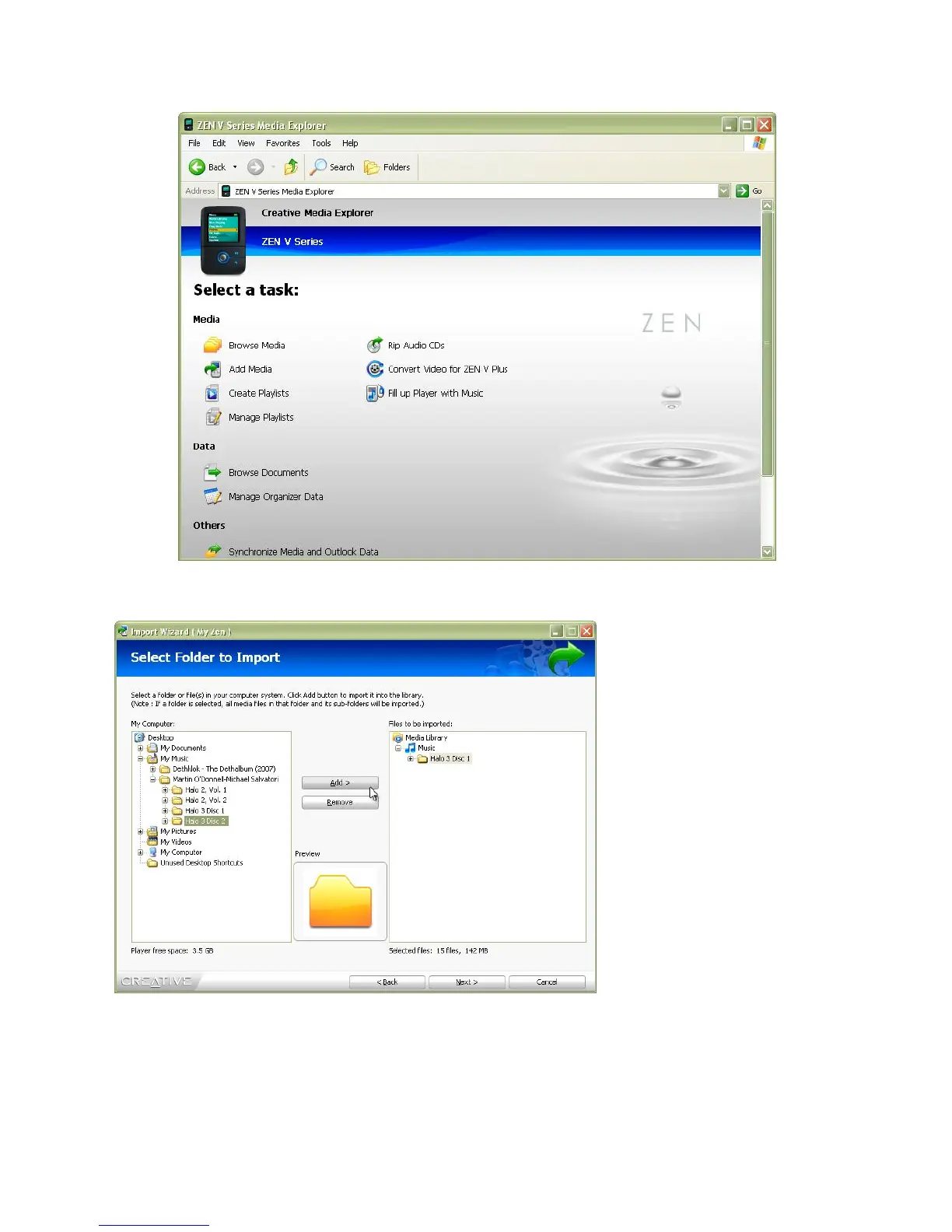
This opens up the Import
Wizard.
This tool makes syncing
anything to your Zen
extremely easy! Simply
select the file, group, or
folder and then hit Add.
Once you’ve added
everything you want, hit the
Next button and then watch
as your files are all Sync’d
automatically! No messy
menus, no annoying wizards.
Just drag, drop, sync!











 To Next Page