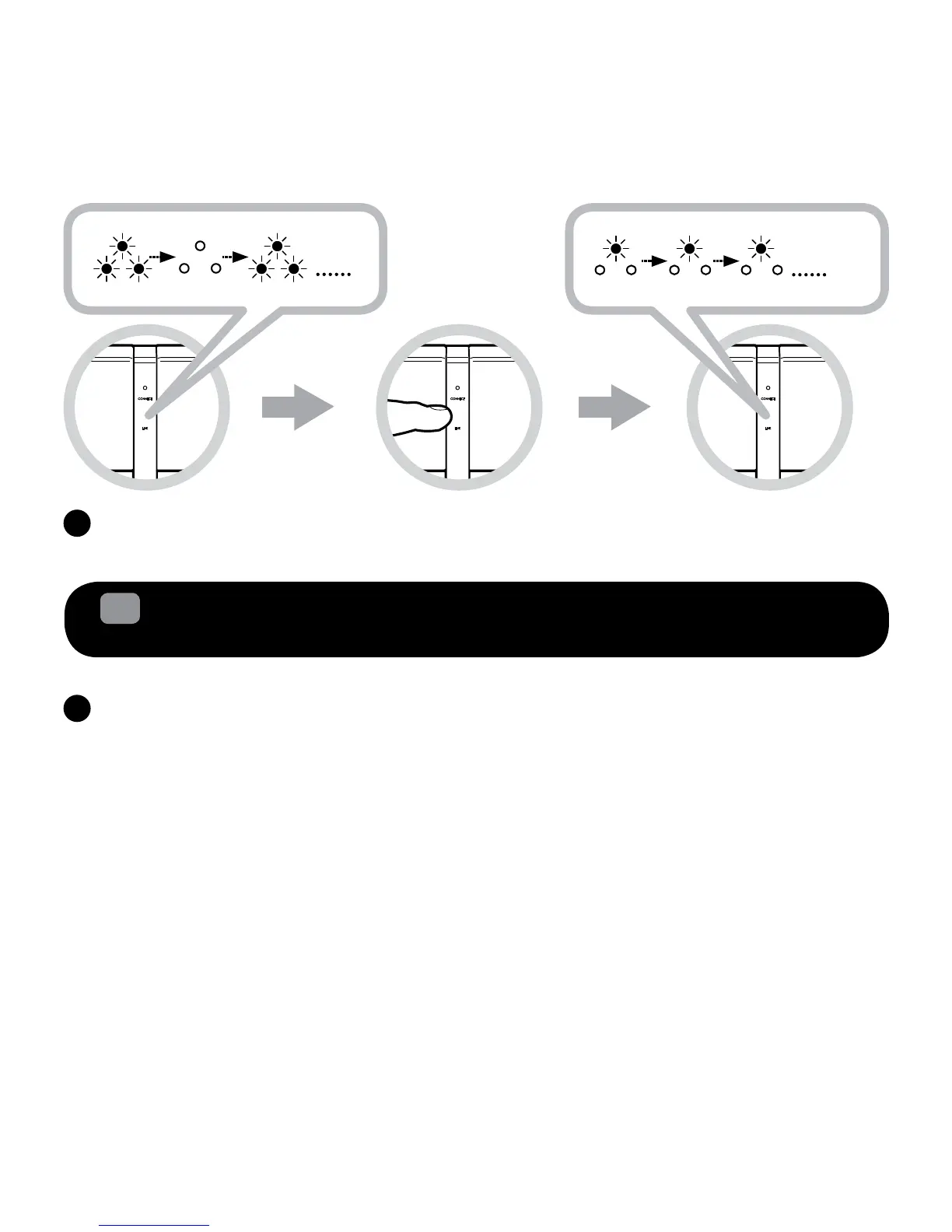
IftheZiiSoundD5xLINKLEDisstillRapidlyBlinking,PresstheLINKTouchpad/Buttononceto
stoporwaitforittotimeout.Linkestablishmentcomplete.ReadytoStreammusic.
2.2
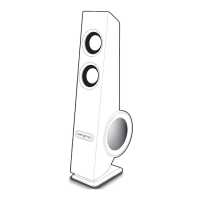
Adding one or more ZiiSound D5x and DSx wireless subwoofer
to form a 2.1 or 3.1 speaker system
Note:Itisneccessarytoclearthememoryoflinkedspeakers(allD5x(s)andDSx)shouldyou
requiretocongureanewsetup.(Forexample,addinganotherD5xorDSx)
ProceedtoStep(b)ifyourD5xorDSxhavenotbeenlinkedwithotherspeakerbefore.
IfyourD5xorDSxhavebeenlinkedbefore,followtheinstructionbelowtoclearlinksystem
memorytorecongureanewspeakersetup.
For the D5x(s)
Ensurethespeakerisinstandbymode.PressandholdthePowerON/Standbybuttonlocatedat
therearofthespeakeruntilLINKandCONNECTLEDblinks2timesandgoesoff.TheD5xLink
memory has been cleared.
For the DSx
PressandholdtheLINKButtonlocatedattherearofthesubwooferfor10secondsuntiltheLink
LEDblinks2timesandgoesoff.TheDSxLinkmemoryhasbeencleared.
A






 To Next Page