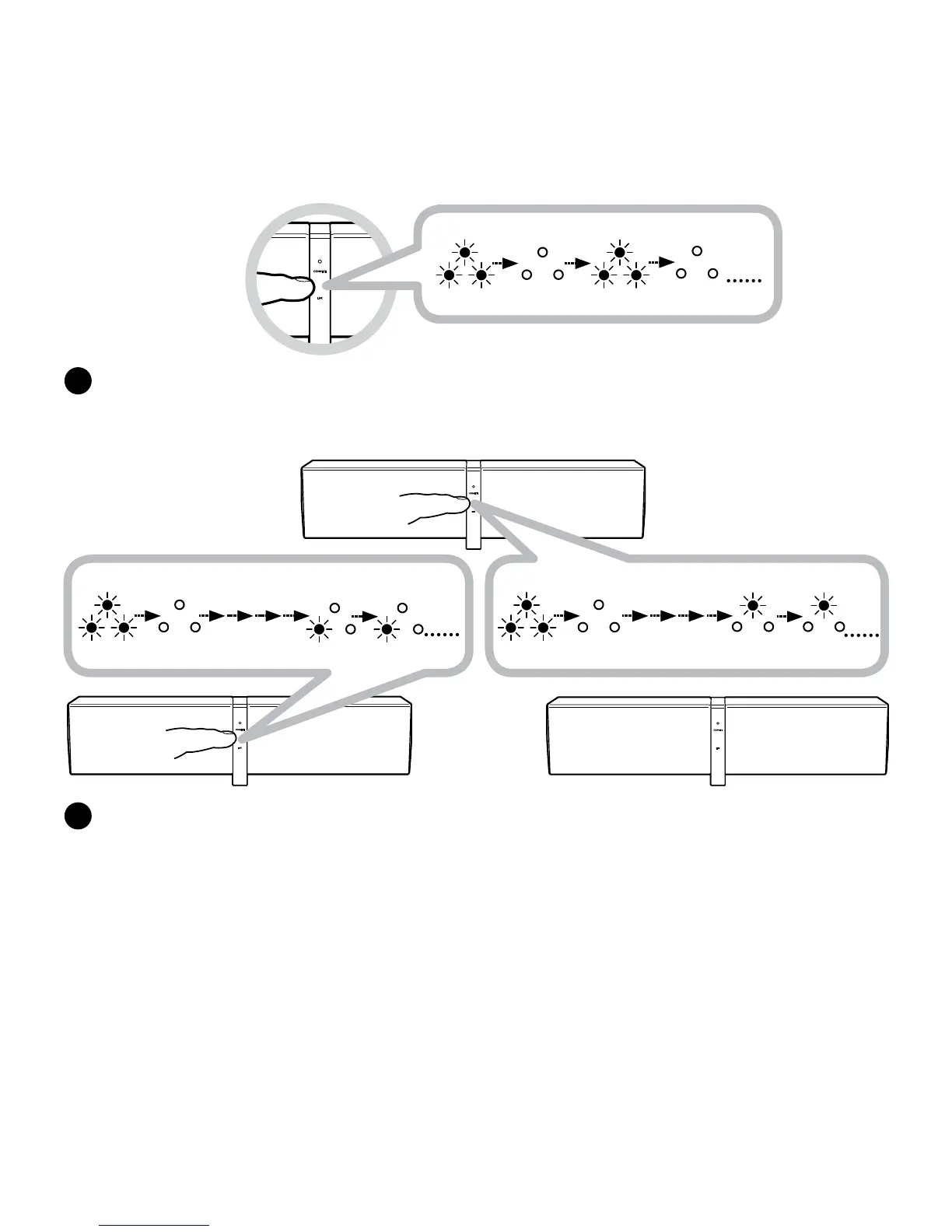
Link discoverable mode
Rapid blinking LED
B
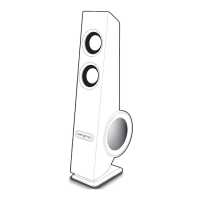
PickoneZiiSoundD5xasyourmasterspeakerandensureitispoweredON.
PressandholdtheLINKTouchpad/Buttonfor5secondsandreleasewhentheLINKLEDblinks
once.TheD5xisnowinLinkdiscoverablemodeandwillbeyourRIGHTChannelSpeaker.
D5x Right
Master speaker
Link discoverable mode
Rapid blinking
LED Off Allocated CENTER Channel
LED Steady
Link discoverable mode
Rapid blinking
LED Off Allocated LEFT Channel
LED Steady
C
PowerONanotherD5x.PressandholdtheLINKTouchpad/Buttonfor5secondsandreleasewhen
theLINKLEDblinksonce.TheLINKLEDwillblinkuntilitstayslituptoindicatewhichchannelthe
speakerislinkedfor.RepeatforanotherD5xtoforma3.1setup.
TheSpeakerswillautomaticallybeallocatedasLEFT,thenCENTERchannelsbyorderofthe
activationoftheirLinkDiscoverablemode.
Note:
• WhenanewspeakerisaddedtotheRIGHTChannelMasterspeaker,theLINKdiscoverablemodefortheMasterspeakerextends
foranother1minuteforotherspeakerstolinkin.
• TocancelLinkdiscoverablemode,presstheLINKTouchpad/Buttononcewhilethespeakers/SubwooferarestillinLink
discoverable mode.





 To Next Page