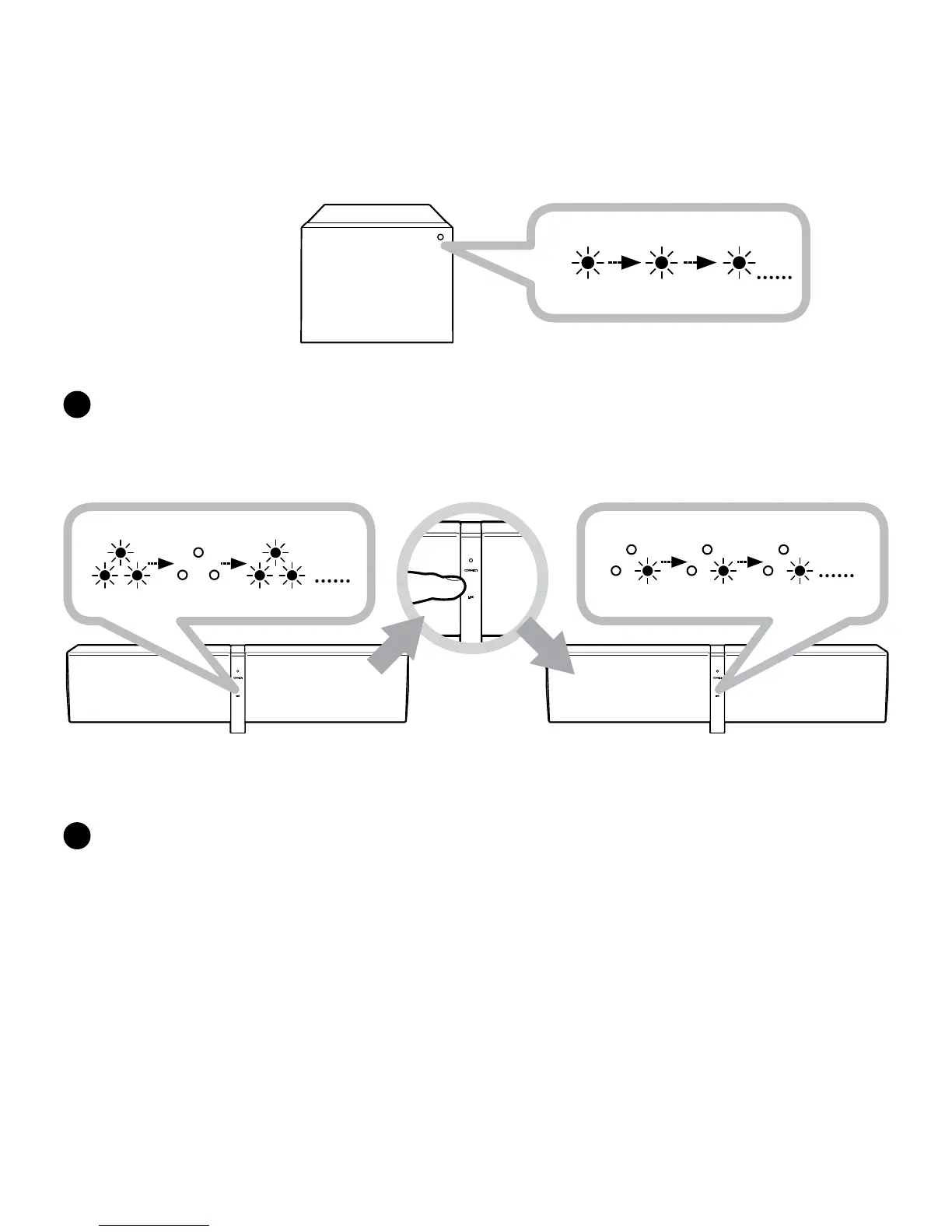
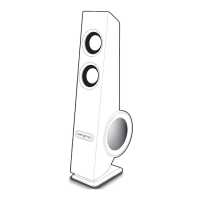
D5x RIGHT
Master speaker
D5x RIGHT
Master speaker
Link discoverable mode
Rapid blinking LED
Linked Right Master Speaker
LED Steady
Linked Wireless Subwoofer
LED Steady
G
IftheZiiSoundD5x(RightChannel)MasterspeakerLINKLEDisstillRapidlyBlinking,Press
theLINKTouchpad/Buttononcetostoporwaitforittotimeout.ThespeakersarenowinMulti
Channelmode.Linkestablishmentcomplete.ReadytoStreammusic.
Note:
1) TheLinkfeatureonthisD5xisonlycompatiblewithotherZiiSoundD5xspeakersandZiiSoundDSxwirelesssubwoofer.
2) Volumecontrol,AUX-IN,CONNECTTouchpadandVolumeTouchpad/ButtonoperationsarenotavailablefortheLEFTand
CENTERChannelswhentheLINKisactive.
F
TheZiiSoundDSxarelinkedwhentheLEDstatusindicatorontheDSxareLitSteady.





 To Next Page