AUTO COOKING PROGRAMMES
There are two Auto Cooking programmes that can be selected using your timer:–
(a) To set the Timer to switch the oven(s) ON immediately and OFF at a preset time - Up to 180 minutes.
(b) To set the Timer to switch the oven(s) ON and OFF Automatically.
a) TO SET THE TIMER TO SWITCH THE OVEN(S) ON IMMEDIATELY AND OFF
AT A PRE-SET TIME – UP TO 180 MINUTES.
Step 1 Check that the correct time of day is set, if not follow instructions for setting the
time of day.
Step 2 Place food onto the correct shelf position in the oven and close the oven doors.
Step 4 Turn the oven control(s) to the required temperature, and if necessary select the
appropriate oven function.
At the end of the Cook Period, the oven(s) will switch off and a Bell will ring for
approximately 4 minutes.
Step 5 Return the oven control to the OFF position.
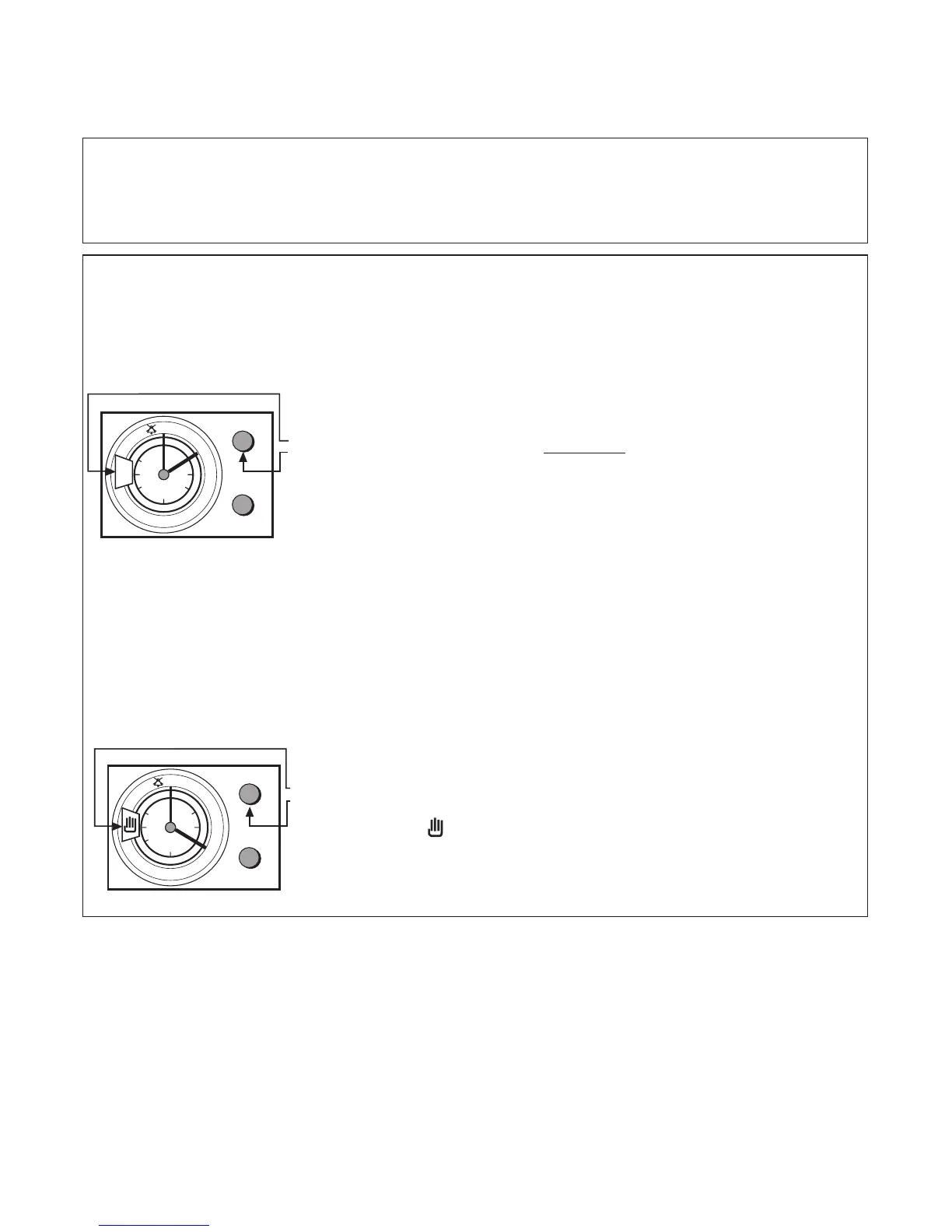
Step 3 Turn the upper knob (A) clockwise (without pulling), until the
required cook period in minutes is indicated in the display
window.
e.g. 120 minutes (as shown).
Note: Cook period is the length of time that you wish the food
to cook (Upto 180 minutes).
Step 6 To cancel the Bell and return the timer to "Manual
Operation", turn (without pulling), upper knob (A) clockwise,
until the symbol is shown in the display window.
CLOCK & AUTOMATIC OVEN
TIMER OPERATION
17



 To Next Page