CLOCK & AUTOMATIC OVEN
TIMER OPERATION
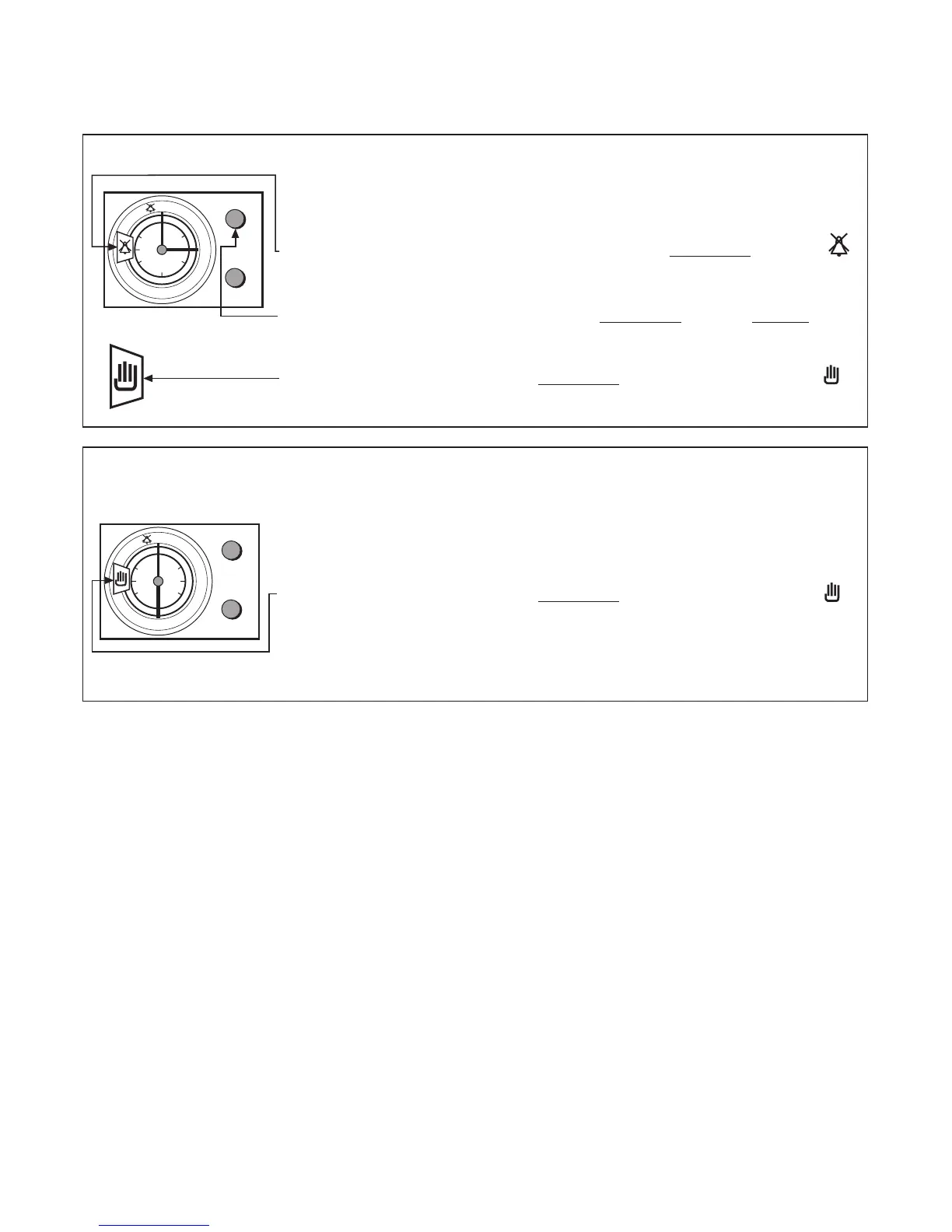
TO CANCEL AN AUTO COOKING PROGRAMME
BEFORE COOK PERIOD HAS STARTED
Step 1 Turn the oven control(s) to their OFF position.
Step 2 Turn (without pulling) the upper knob (A) clockwise until the
symbol appears in the display window.
Step 3 Pull and turn the upper knob (A) cloc
kwise
until the orange finger
reads the same time as the hour hand on the clock.
Step 4 Turn the upper knob (A) clockwise (without pulling) until the
symbol appears in the display window.
TO CANCEL AN AUTO COOKING PROGRAMME
ONCE THE AUTO COOK PROGRAMME HAS
STARTED BUT BEFORE IT HAS FINISHED.
Step 1 Turn the oven control(s) to their OFF position.
Step 2 Turn the upper knob (A) c
lockwise
(without pulling) until the
symbol appears in the display window.
19



 To Next Page