10
WLAN: Touch => to switch on the WLAN
function.
The device automatically searches for available WLAN
networks.
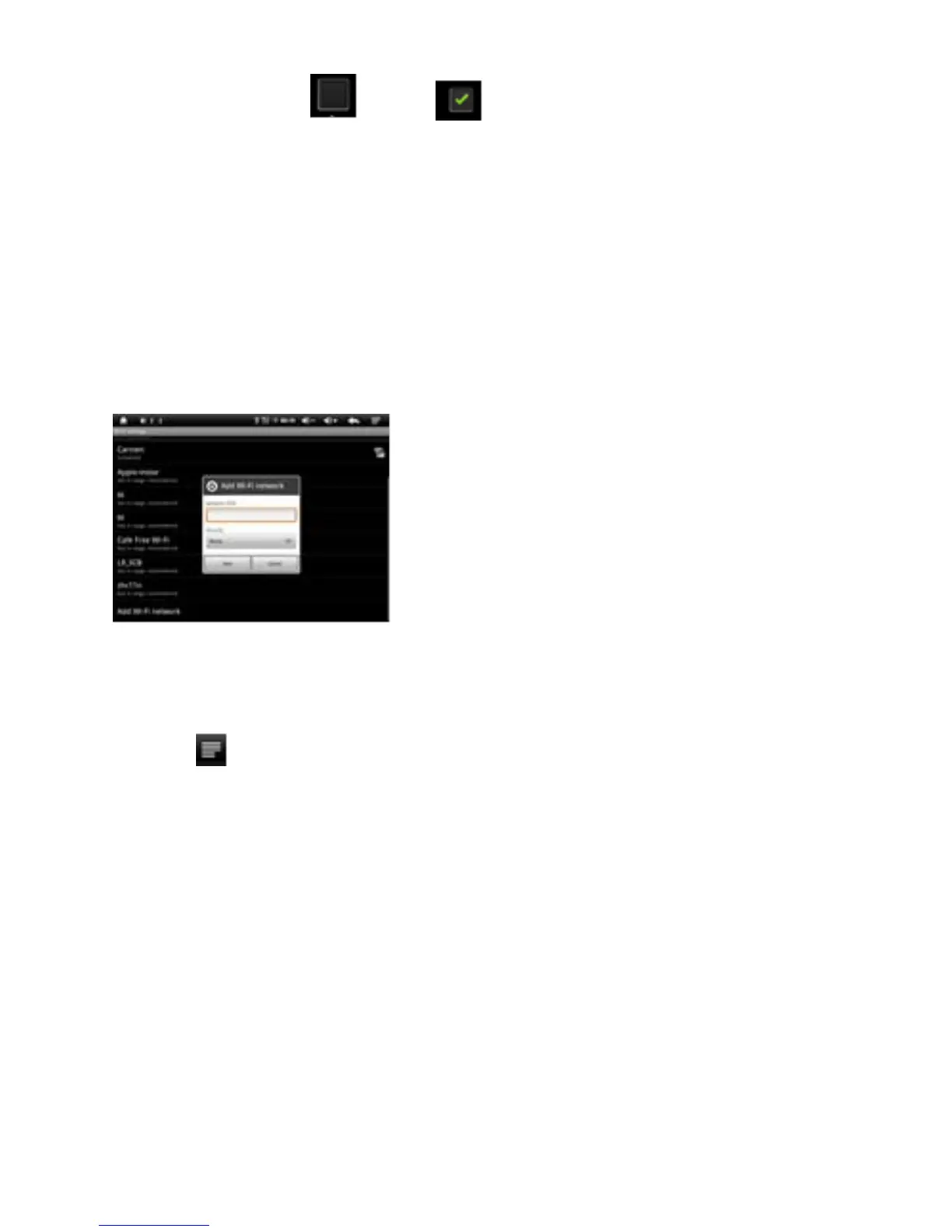
WLAN Settings: Select your network here.
If needed you will be requested to enter your WLAN
password:
Advanced WLAN / Wi-Fi settings:
Touch in the menu for WLAN / Wi-Fi Settings, the
menu for advanced settings will open up automatically.
In the menu for the advanced settings you can view the
current status, the IP address and other device
information.
Data usage,
here you can set mobile data limit
Device



 To Next Page