13
manually after deactivating automatic settings.
Accessibility
Here you can set the access to the system, text size,
the rotation of the screen etc.
Developer options
Here are extra tools for developpers.
About Tablet
Here you will find information of the tablet like battery
use, version of the software etc.
Main functies
Internet
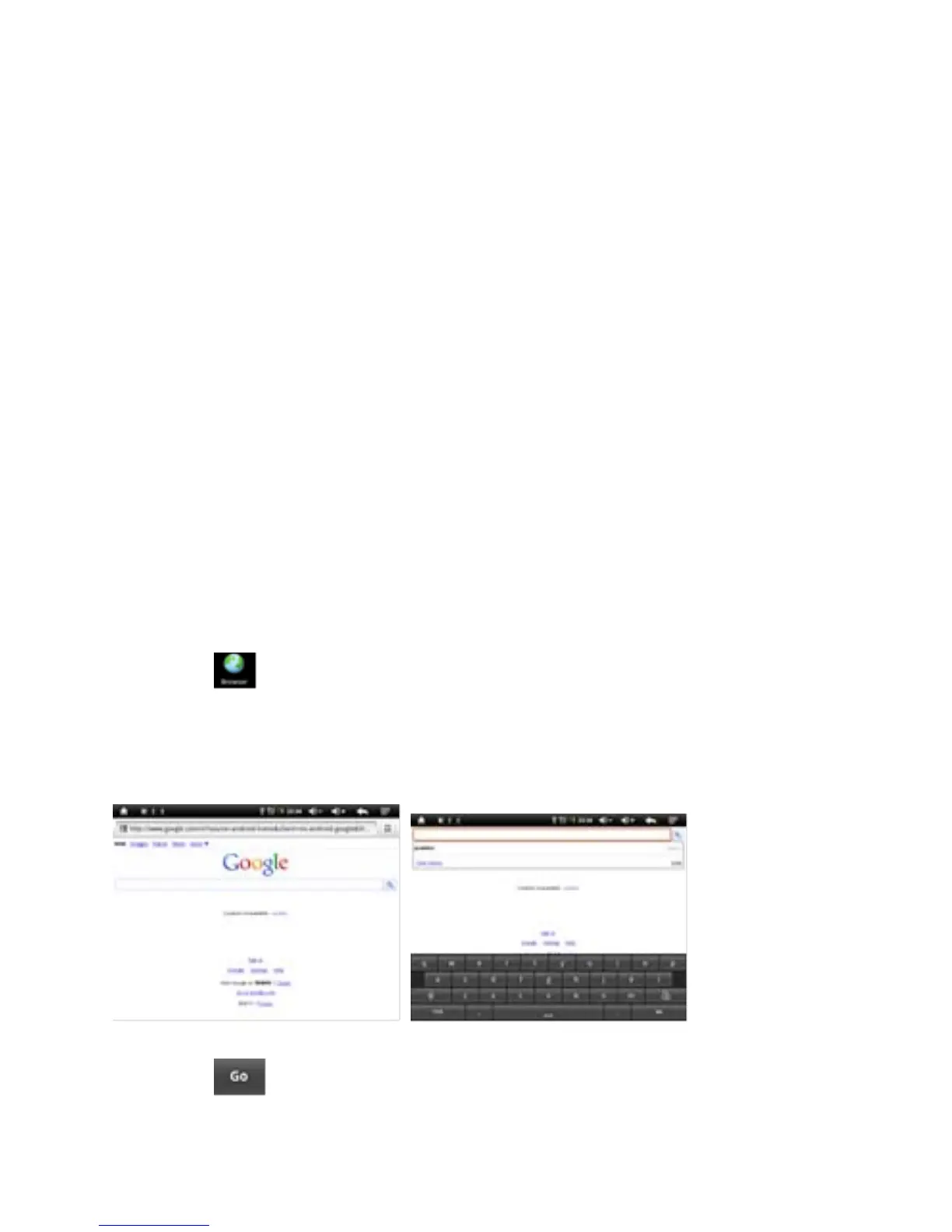
Touch Icon to surf the net.
Google is the default start page.
Touch the input field to display the keyboard:
Touch after entering a website address to open
the website.



 To Next Page