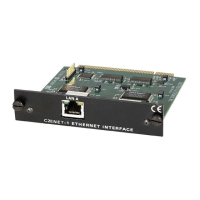
CNX Enhanced Ethernet Expansion Card Crestron CNXENET+
2. Enter a password, verify the password then click OK as shown below.
Enter New Password Dialog box
Troubleshooting Communications via Ethernet
You can PING the control system from a MS-DOS® prompt (Windows
95/98/Me™) or a Command Prompt (Windows NT/2000™). In the example below,
the control system is at address 172.16.135.246. When pinged, the unit should reply
and there should be no packet loss, as shown below.
MS-DOS or Command Screen
NOTE: The round trip times for a control system plugged into a LAN versus going
out over the Internet will vary greatly. If there is a ping reply, communications
should work properly via a SIMPL program and via the Viewport. If there is no
reply, verify that the IP Settings you have given the control system are correct, and
that the PC used to ping the control system can ping other devices that are on the
control system's subnet.
18 • CNX Enhanced Ethernet Expansion Card: CNXENET+ Operations & Installation Guide – DOC. 8153A



 To Next Page