Crestron eServer™ Ethernet OEM Module
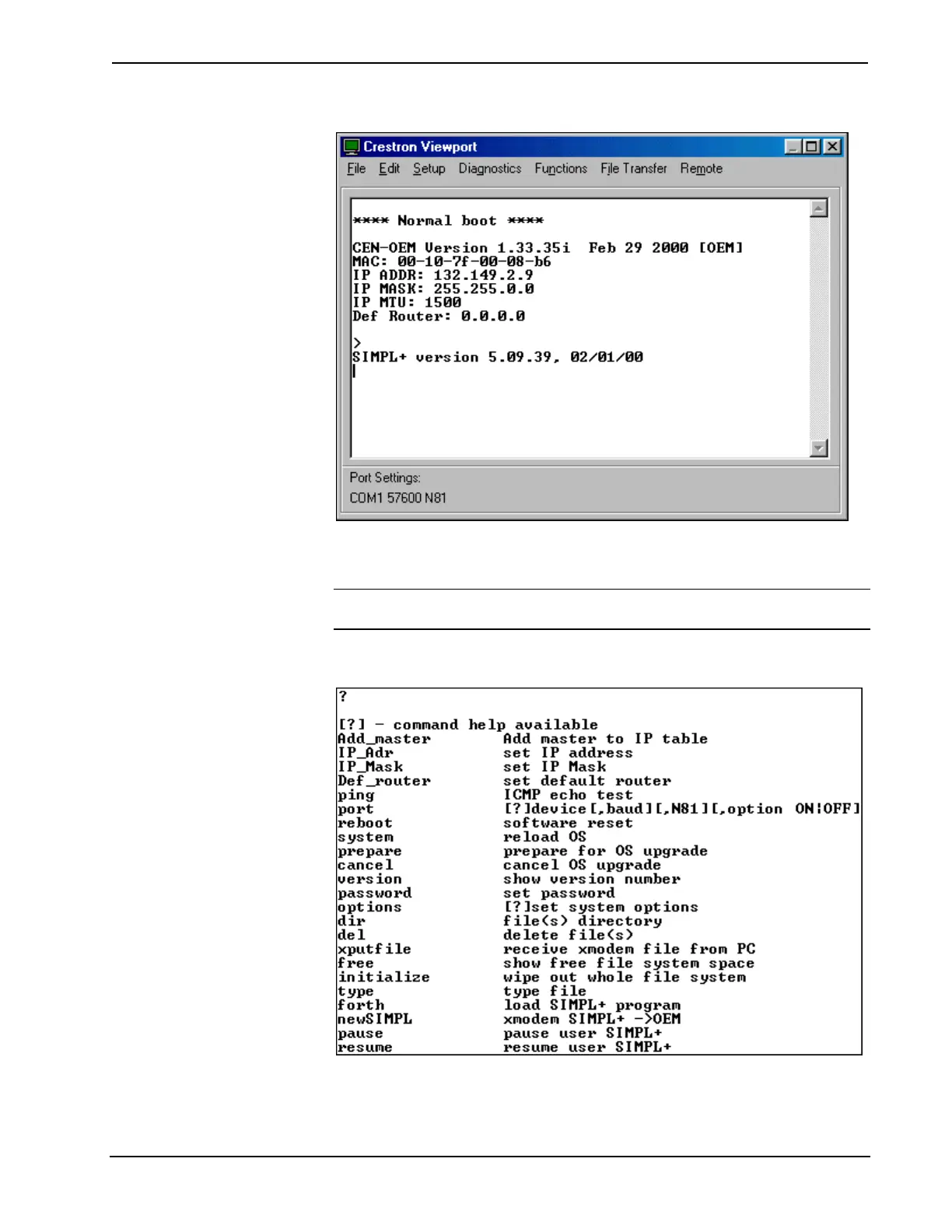
Activity in the Viewport Window
Enter a question mark (?) and depress ENTER to display the Main Menu, shown
after this paragraph.
NOTE: Use the default font for the return message to appear correctly. The
Viewport default font is Terminal Regular 9.
Main Menu in Viewport Window
Commands are listed in the left-most column with a brief description in the right-
most column. Notice that DOS-type commands are prevalent (e.g., dir *.jpg).
Operations Guide - DOC. 8148 Ethernet OEM Module: eServer™ • 13



 To Next Page