Ethernet OEM Module Crestron eServer™
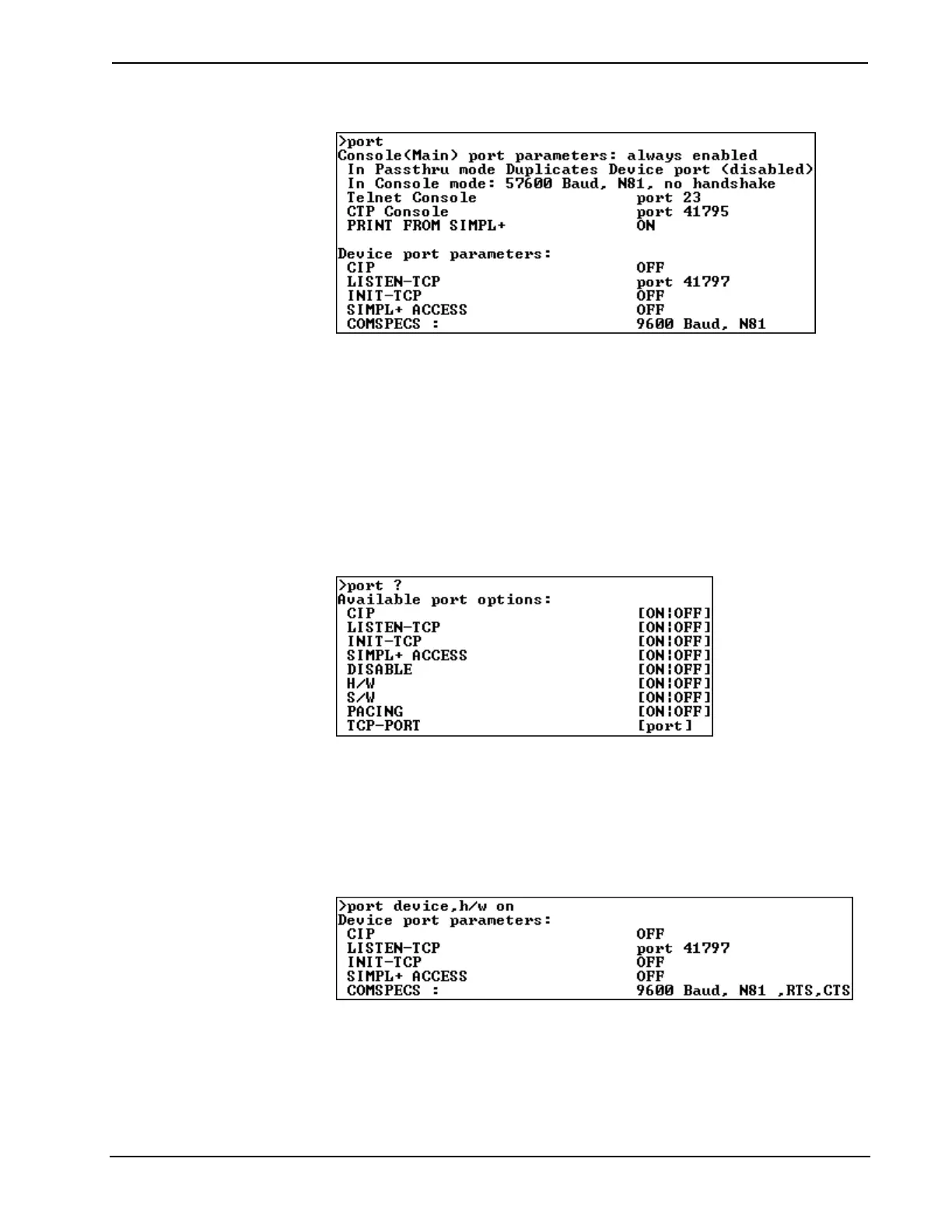
Sample Response to the “port” Command
As noted in the description column in the Main Menu, a typical port command has
the following format:
port device[,baud][,N81][,option ON:OFF]
The command is not case sensitive. Parts of the command enclosed by brackets ([ ])
are optional and need not be entered unless a change is necessary. There are several
port options that can satisfy the [option] [ON:OFF] part of the command. To view
the options enter the following:
port ?
Sample Response to the “port ?” Command
Options for the "port" command are listed in the left-most column. Possible settings
for each of the options are listed in the right-most column. Only the options for the
DEVICE port can be changed. For example, to turn on hardware handshaking for the
DEVICE port, enter the following command:
port device,h/w on
Sample Response to the “port device,h/w on” Command
Once the above command is entered, the new settings are saved to non-volatile
memory. Invalid baud rates, comspecs, or options are ignored. A brief description of
valid baud rates, comspecs, and options is shown after this paragraph.
16 • Ethernet OEM Module: eServer™ Operations Guide - DOC. 8148



 To Next Page