Ethernet OEM Module Crestron eServer™
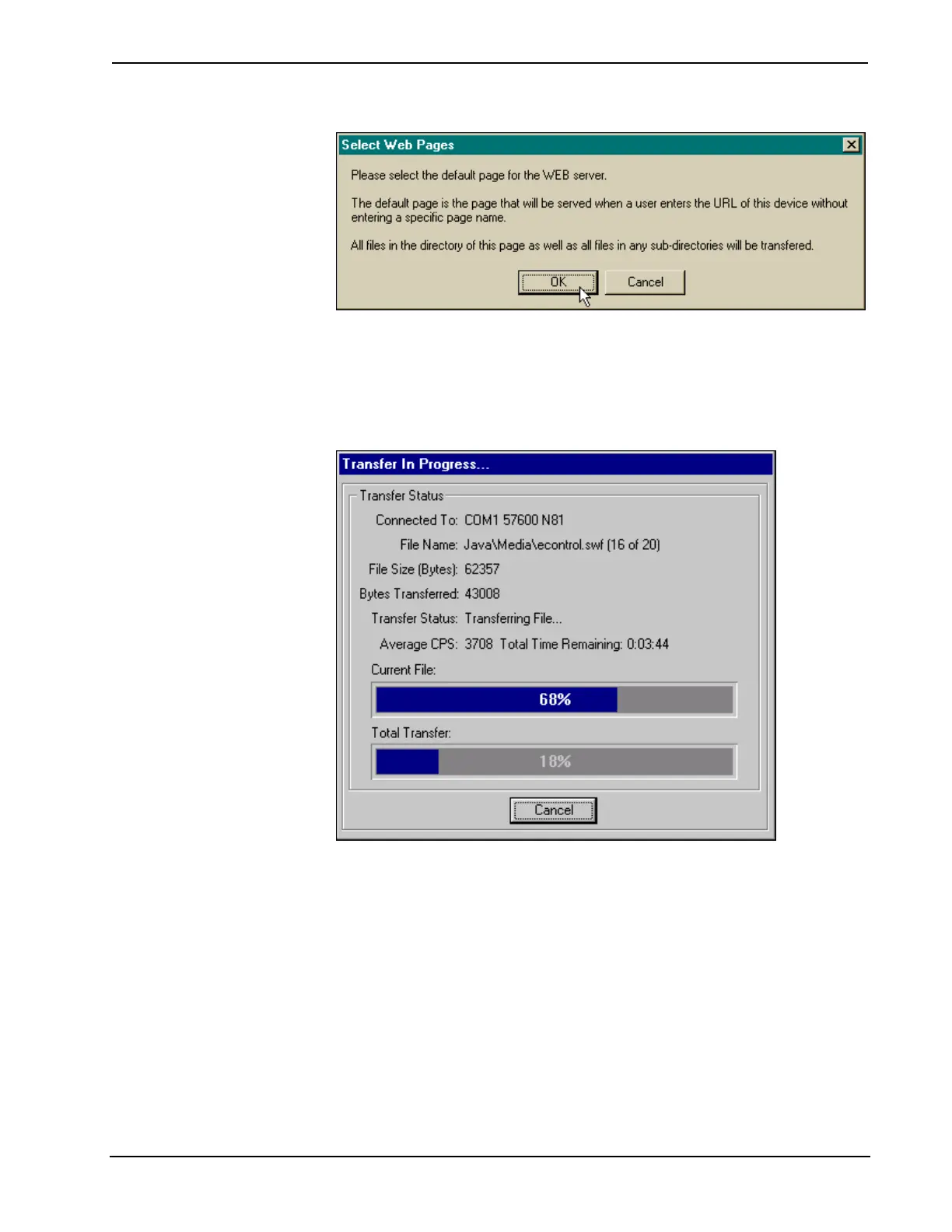
"Select Web Pages" Dialog Box
The "Open" dialog box appears so that a web page can be selected. Browse to the
desired directory, select the appropriate web page, and click OK to initiate transfer.
The "Transfer In Progress…" dialog box appears to reveal the status of the transfer.
The user has the option to cancel the transfer at any time. Otherwise the transfer of
web pages to the eServer should conclude successfully.
"Transfer In Progress…" Dialog Box
34 • Ethernet OEM Module: eServer™ Operations Guide - DOC. 8148



 To Next Page