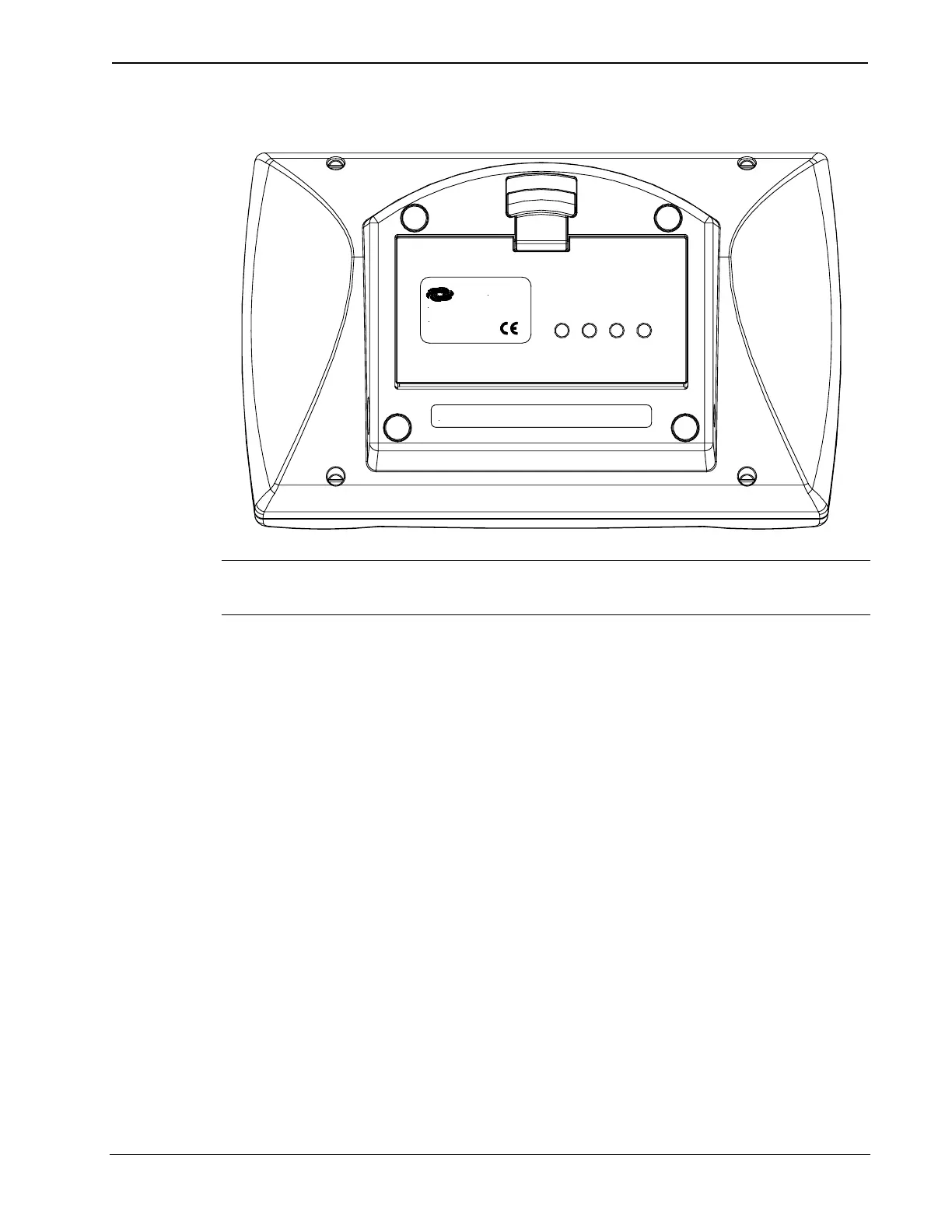
Crestron ST-BTPN Rechargeable Battery Pack
ST-BTPN installed in a touchpanel (ST-1700C)
FCC ID: EROST-1700C SEE MANUAL
Crestron Electronics, Inc.
CRESTRON
Rockleigh, NJ 07647
NOTE: The ST-BTPN is shipped fully discharged. Charge the battery
pack in a well-ventilated area away from sparks, flames, or smoking.
1. Place touchpanel screen-side down on a clean and soft surface.
2. Place the designated end of the ST-BTPN into the touchpanel
battery compartment. Refer to illustration on next page.
3. Slowly rotate ST-BTPN in compartment so that external face is
visible.
4. Verify proper installation with audible click of rechargeable
battery pack into battery compartment. Touchpanel latch
secures the ST-BTPN and prevents the battery pack from
falling out.
Operations and Installation Guide - DOC. 6088 Rechargeable Battery Pack: ST-BTPN • 7



 To Next Page