Rechargeable Battery Pack Crestron ST-BTPN
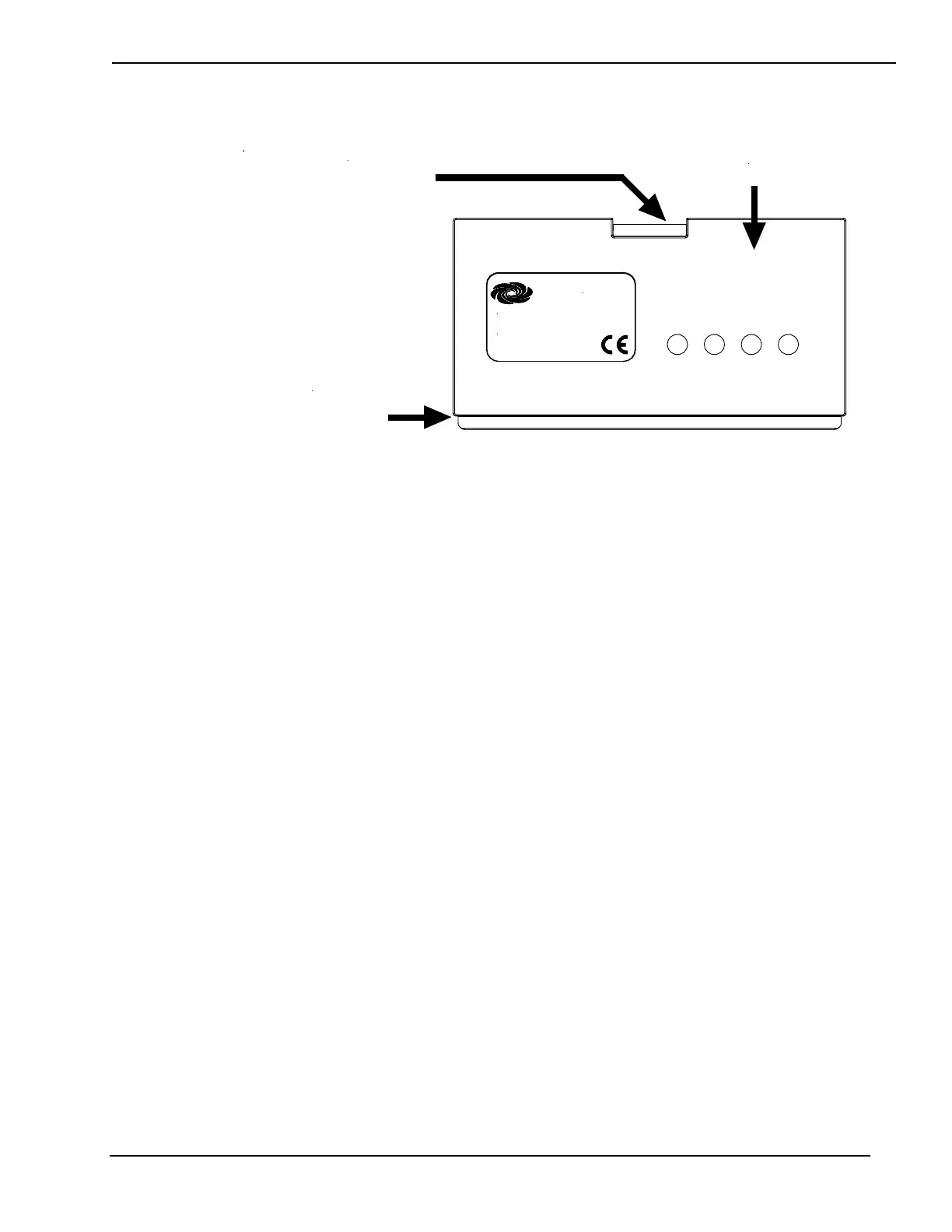
ST-BTPN Orientation for Installation
Insert this end
of ST-BTPN in
touchpanel first
Crestron Electronics, Inc.
Rockleigh, NJ 07647
CRESTRON
Touchpanel latch
fits into this cutout
This side facing out
Removal
Complete the following steps to remove the ST-BTPN from a
touchpanel.
1. Place touchpanel screen-side down on a clean and soft surface.
2. Lift latch up so that one edge of ST-BTPN pops out of
touchpanel battery compartment.
3. Rotate battery pack out and remove.
8 • Rechargeable Battery Pack: ST-BTPN Operations and Installation Guide - DOC. 6088



 To Next Page