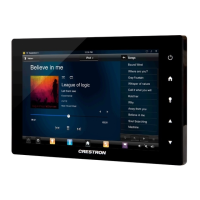
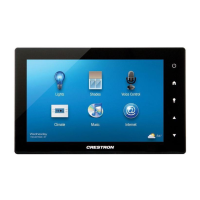
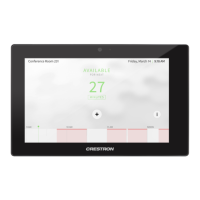
quickstart guide
TSW-1050
www.crestron.com
888.273.7876 201.767.3400
Specifications subject to
change without notice.
TSW-1050
10.1” Touch Screen
QUICKSTART DOC. 7468D (2035664, Sheet 2 of 2) 10.13
3
4
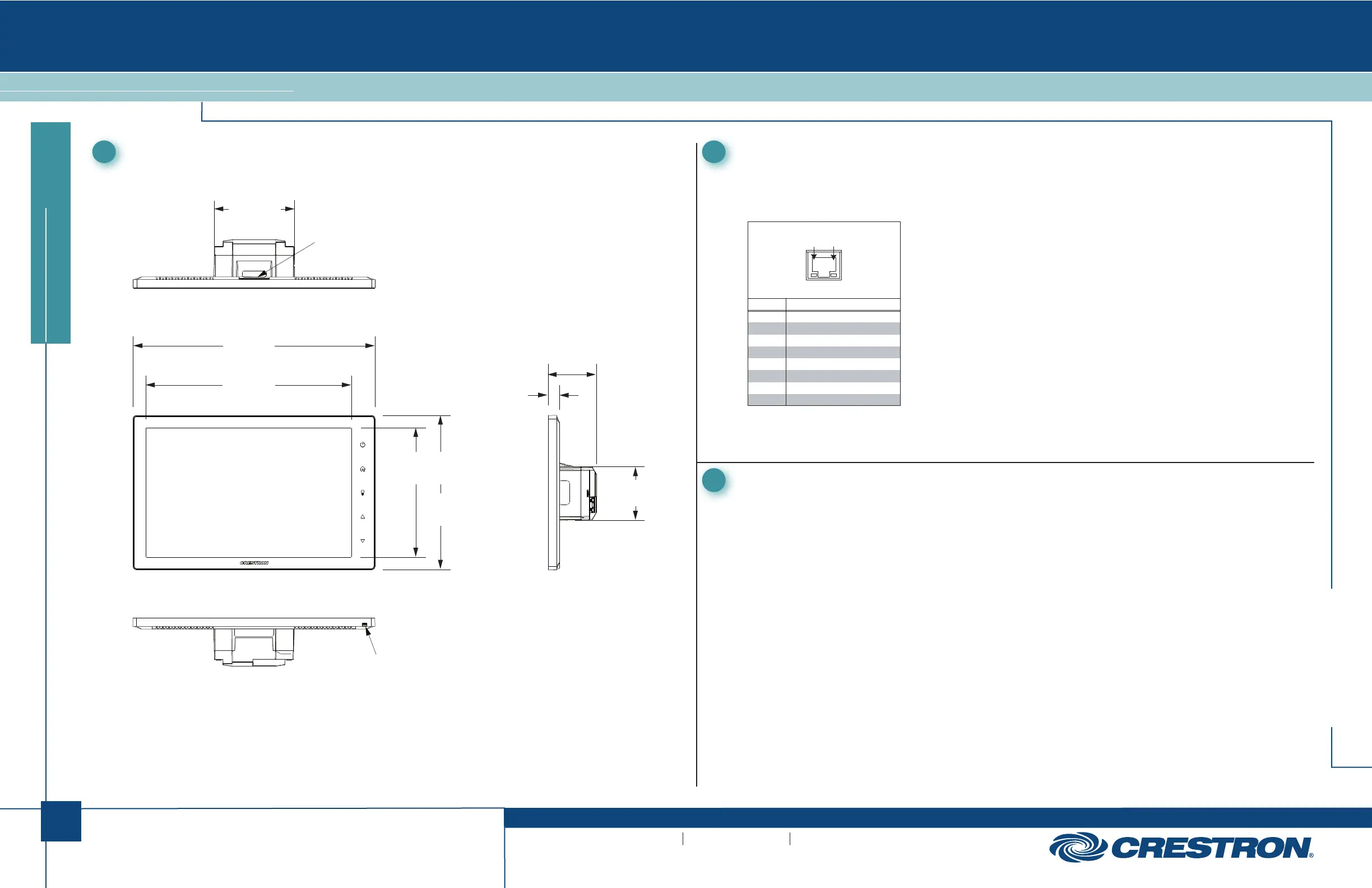
Dimensions
TSW-1050 Overall Dimensions (Top View)
TSW-1050 (Bottom View)
5
Pinout Reference
The only connector on the TSW-1050 is the LAN PoE port.
LAN PoE
PIN DESCRIPTION
1
2
3
4
5
6
7
8
TX +
TX -
RX +
DC -
DC -
RX -
DC +
DC +
Pin 8Pin 1
For Regulatory Compliance information, refer to the latest
version of Doc. 7469.
6
Recommended Cleaning
Keep the surface of the touch screen free of dirt, dust or other materials that could degrade optical
properties. Long-term contact with abrasive materials can scratch the surface, which may detrimentally
affect image quality.
For best cleaning results, use a clean, damp, non-abrasive cloth with any commercially available
non-ammonia glass cleaner. Bezels may not provide a complete watertight seal. Therefore, apply
cleaning solution to the cloth rather than the surface of the touch screen. Wipe touch screen clean and
avoid getting moisture beneath the bezels.
TSW-1050 Overall Dimensions (Front and Side Views)
3.36 in
(86 mm)
Speakers
10.12 in
(257 mm)
8.60 in
(219 mm)
5.39 in
(137 mm)
6.46 in
(164 mm)
2.03 in
(52 mm)
0.47 in
(12 mm)
2.24 in
(57 mm)
Microphone



 To Next Page