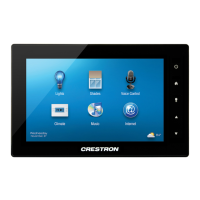
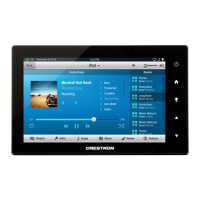
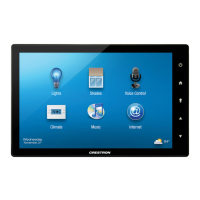
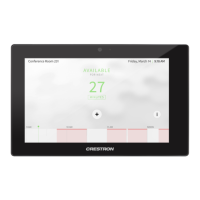
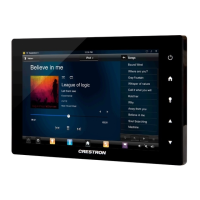
5”/7”10.1” Touch Screens Crestron TSW-550/750/1050
2 • 5”/7”/10.1” Touch Screens: TSW-550/750/1050 Configuration Guide – DOC. 7366C
“Setup” Menu
The “Setup” menu is comprised of buttons for Ethernet Setup, IP Table Setup,
Audio Setup, Display Setup, Standby Timeout and Diagnostics. In addition, there
is an About button that provides information about the touch screen and a Save &
Exit button. The functions of each are detailed in the next section of this guide.


 To Next Page