quickstart guide
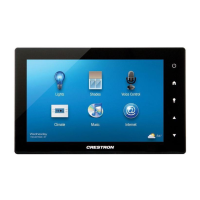
TSW-750
www.crestron.com
888.273.7876 201.767.3400
Specifications subject to
change without notice.
TSW-750
7” Touch Screen
QUICKSTART DOC. 7325F (2033254, Sheet 2 of 2) 05.13
3
4
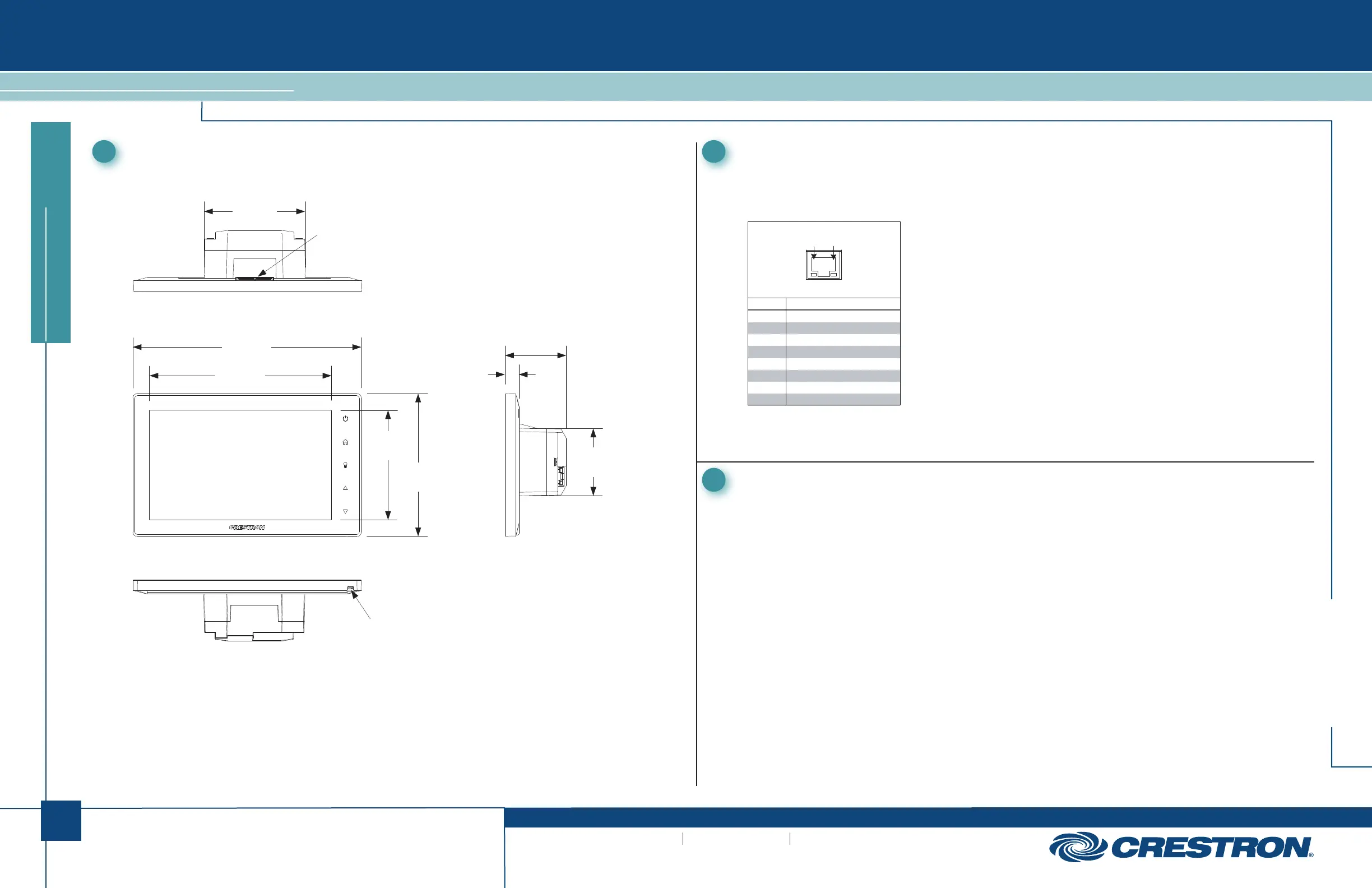
Dimensions
TSW-750 Overall Dimensions (Top View)
TSW-750 (Bottom View)
5
Pinout Reference
The only connector on the TSW-750 is the LAN PoE port.
LAN PoE
PIN DESCRIPTION
1
2
3
4
5
6
7
8
TX +
TX -
RX +
DC -
DC -
RX -
DC +
DC +
Pin 8 Pin 1
For Regulatory Compliance information, refer to the latest
version of Doc. 7326.
6
Recommended Cleaning
Keep the surface of the touch screen free of dirt, dust or other materials that could degrade optical
properties. Long-term contact with abrasive materials can scratch the surface, which may detrimentally
affect image quality.
For best cleaning results, use a clean, damp, non-abrasive cloth with any commercially available
non-ammonia glass cleaner. Bezels may not provide a complete watertight seal. Therefore, apply
cleaning solution to the cloth rather than the surface of the touch screen. Wipe touch screen clean and
avoid getting moisture beneath the bezels.
7 . 59 in
( 193 mm )
5 . 98 in
( 152 mm )
4 . 74 in
( 121 mm )
3 . 58 in
( 91 mm )
2 . 24 in
( 57 mm )
0 . 47 in
( 12 mm )
2 . 03 in
( 52 mm )
Microphone
TSW-750 Overall Dimensions (Front and Side Views)
3 . 36 in
( 86 mm )
Speakers


 To Next Page
 Loading...