Guide
Using Cricut EasyPress • 4/4
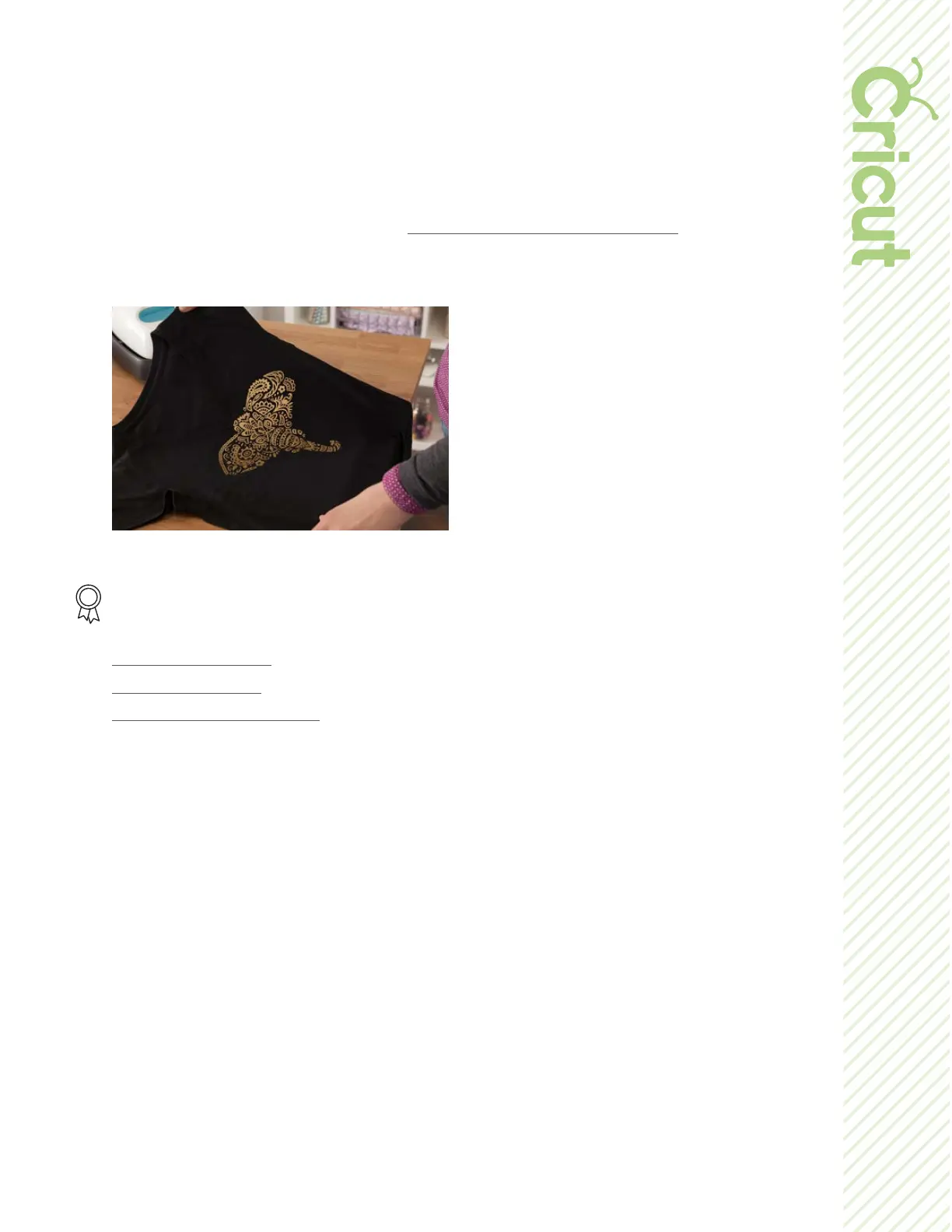
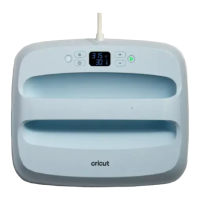
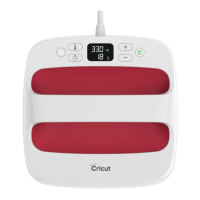
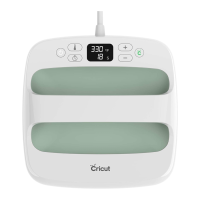
• Place Cricut EasyPress on your design and press the Cricut button to start
timer.
• Hold Cricut EasyPress in place and apply gentle pressure until it beeps.
• Flip the base material heat the back side of the design for 10-15 seconds.
6. Before removing liner, refer to the Interactive Quick Reference Guide to determine
whether you should peel the liner while it’s warm or if you need to wait until it
cools completely.
Additional Resources
Learn.cricut.com
Help.cricut.com
Inspiration.cricut.com


 To Previous Page