40
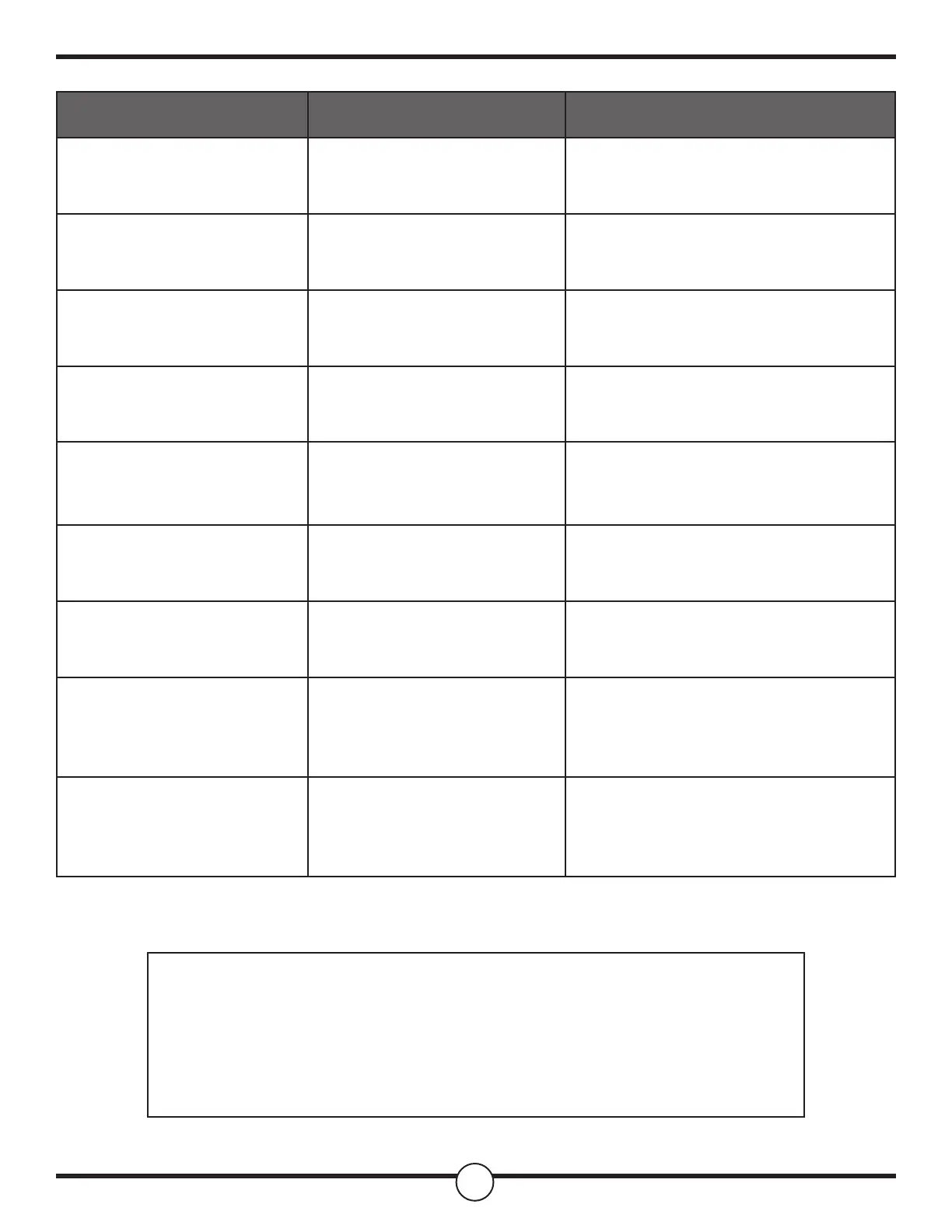
Problem Possible Cause Solution
Oven display stays o.
Power interruption Turn o power at the main power supply
(fuse or breaker box). Turn breaker back
on. If condition persists, call for service.
Oven mode and temperature
controls cannot be set.
The oven door is open. Close the oven door. The oven mode and
temperature controls cannot be set if the
oven door is open.
Cooling fan continues to run
after oven is turned o.
The electronic components
have not yet cooled suciently.
The fan will turn o automatically when
the electronic components have cooled
suciently.
Oven light is not working
properly
Light bulb loose or burned-out. Reinsert or replace the light bulb.
Touching the bulb with ngers may cause
the bulb to burn out.
Oven light stays on
Door is not closing completely. Check for obstruction in oven door.
Check to see if hinge is bent or door
switch broken.
Cannot remove lens cover
Soil build-up around the lens
cover.
Wipe lens cover area with a clean, dry
towel prior to attempting to remove the
lens cover.
Clock and timer are not
working properly
No power to the oven. Check the circuit breaker or fuse box to
your house. Make sure there is proper
electrical power to the oven.
Excessive Moisture
When using bake mode, preheat
the oven rst. Convection Bake and
Convection Roast will eliminate any
moisture in the oven.
Porcelain Chips
Porcelain interior is bumped by
oven racks
When removing and replacing oven
racks, always tilt racks upward and do
not force them to avoid chipping the
porcelain.
For questions, concerns, or for technical service, contact
our customer service team via contact information below:
Phone: 702-786-4996
Email: criterion-customer-service@outlook.com


 To Previous Page
 Loading...