28
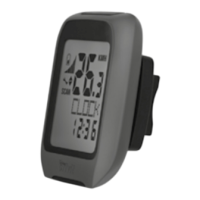
CLOCK: shows the time�
• Press and hold the ‘SET’ button (21) for three seconds
and press the ‘SET’ button (21) again to open the time
and date settings�
Note: you can alternate between the time and date
display by pressing the ‘SET’ button (21)�
TOTALODO: total kilometre counter�
• Press and hold the ‘SET’ button (21) for three seconds
and press the ‘SET’ button (21) again to change the
settings for tyre size, odometer and maintenance
interval�
TOTAL-TM: total trip time�
• Press and hold the ‘SET’ button (21) for three seconds
and press the ‘SET’ button (21) again to change the
saved total ride time�
TRIPDIST: trip distance�
• Press and hold the ‘SET’ button (21) for three seconds
to set the ride distance, highest speed, average speed
and ride duration to 0�
MAXSPEED: highest speed�
• Press and hold the ‘SET’ button (21) for three seconds
to set the highest speed to 0�
GB



 To Next Page