11
• Press twice: Flashing light
• Press three times: Light off
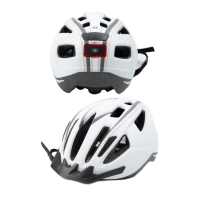
By activating the indicator lights, other road users will be prepared for your change of
direction. On the remote control, there are two functions to choose from (Fig. K):
• Left arrow: Indicator on the left side of the helmet ashes
• Right arrow: Indicator on the right side of the helmet ashes
• After activation, the indicators selected switch themselves off automatically.
3. Cleaning and care
Wash the casing of the lights as well as your helmet only with lukewarm water, mild soap
and a soft cloth.
4. Disposal
You must dispose of the remote controls through an authorised waste disposal company or a
communal waste disposal facility.
Resetting the wireless connection
• Switch the remote control off using the ON/OFF button.
• Switch the
-button (g. I) on the helmet on.
• Press the
-button on the helmet briey 3 times in quick succession.
• Press the ON/OFF button on the remote control.
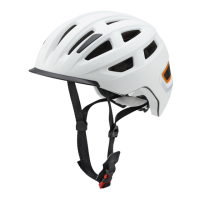
Back light and indicator lights


 To Next Page