GB F
47
7.1. 4
7.1. 5
7.1. 3
16
7.1. 6
PART
PARTE
6
6
44
49
PARTE 7
PARTE 7
ARRESTO DI FINE
7.3 PRODUZIONE
7.1. 3
Eliminer la cause qui a déterminé la condition
dangereuse pour éviter que la situation se
présente à nouveau.
7.1. 4
Remettre le bouton poussoir STOP/URGENCE
(6) or fermer la porte précédemment ouverte ou
repositionner le plateau.
REMARQUE
Avant d’appuyer sur le bouton
poussoir POWER-ON (16), s’assurer
que le plateau de collecte du produit est
positionné correctement, que toutes les portes
sont fermées et que le bouton poussoir STOP/
URGENCE (6) a été réactivé ; dans le cas
contraire, le circuit de puissance ne sera pas
activé.
7.1. 5
Si l’arrêt a été effectué au moyen du bouton
poussoir STOP/URGENCE (6), il faut
appuyer sur le bouton poussoir POWER-ON
(16) pour activer le circuit de puissance et les
équipements électriques ; l’activation sera
signalisée au moyen de l’allumage de la
lampe du bouton poussoir.
7.1. 6
Maintenant, s’il est nécessaire de recommen-
cer la production, voir les instructions dans la
PARTIE 6 “MISE EN MARCHE ET
FONCTIONNEMENT” ou effectuer les
opérations traitées dans la section 7.3
“ARRÊT DE FIN DE PRODUCTION”.
7.1. 3
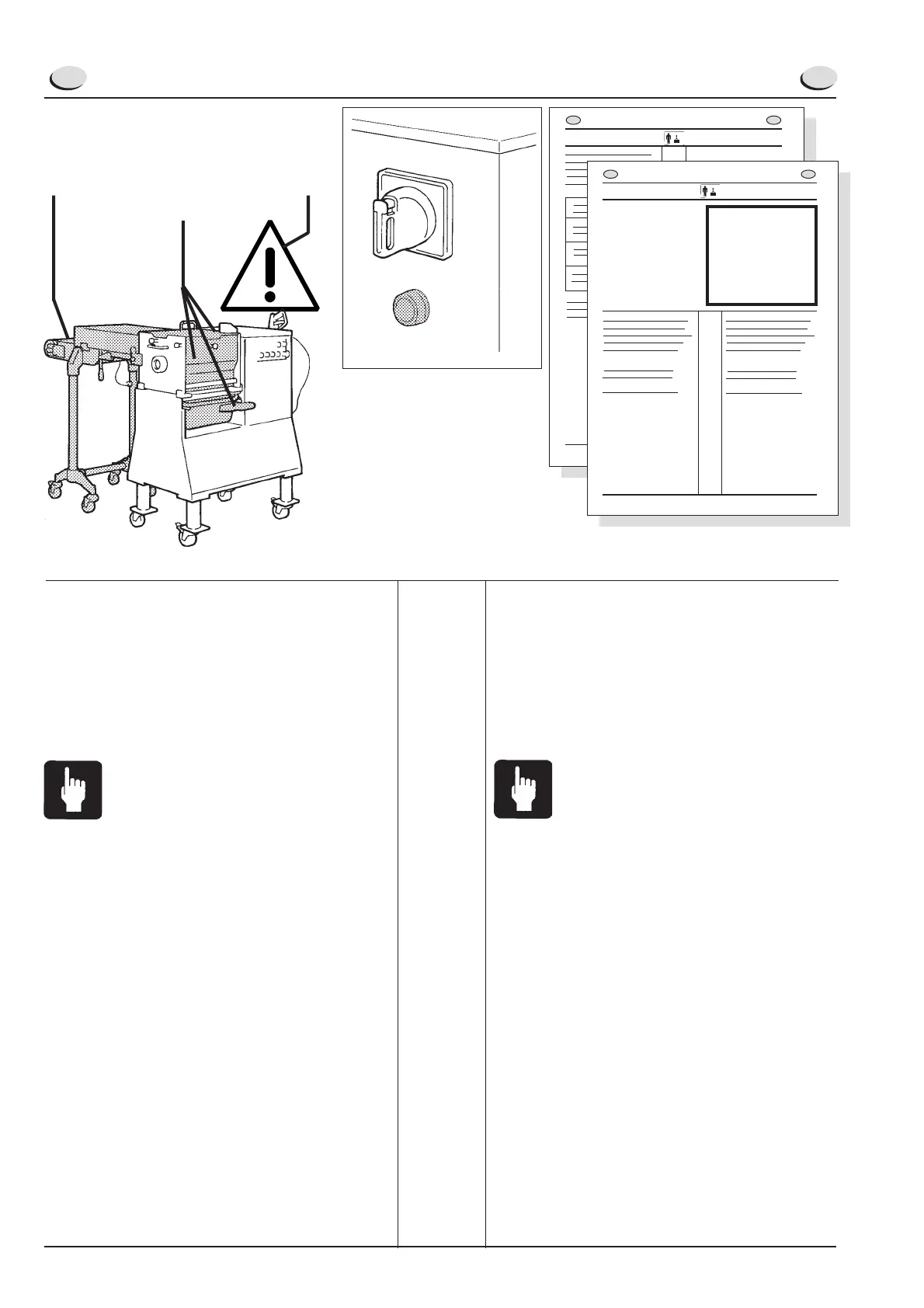
Remove the cause that determined the
dangerous condition so that it will not occur
again.
7.1. 4
Reset the button STOP/EMERGENCY (6)
or close the door previously opened or
reposition the tray.
NOTE
Before pressing the button POWER
ON (16) make sure that the
collecting tray is correctly positioned, that all
the doors are closed and that the button
STOP/EMERGENCY (6) has been reset;
otherwise, the power circuit will not be
enabled.
7.1. 5
If the stop has been determined by pressing
the button STOP/EMERGENCY (6), it is
necessary to press the button POWER ON
(16) to enable the power circuit and the
electric devices; the enabling will be
signalled by the button light which comes on.
7.1. 6
Now, if you wish to restart the production,
follow the instructions in PART 6 “START-
UP AND OPERATION” or carry on the
operations described in section 7.3
“PRODUCTION END STOP” if you wish to
stop the machine definitely.



 To Next Page