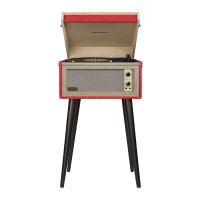
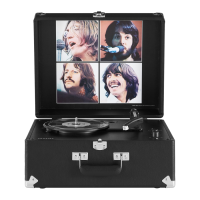
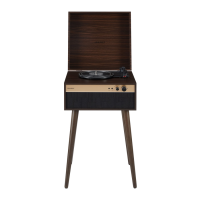
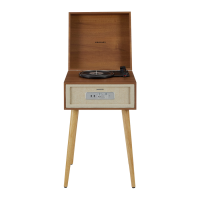
Unpacking
1 Remove packing materials form unit.
Note: Save all packing materials.
2 Remove plastic bag covering unit.
3 Remove AC ADAPTER(17)form packing.
4 Remove tie from AC ADAPTER(17).
5 Open lid and remove styrofoam shipping
material from TURNTABLE(10).
6 Remove black tie-wrap form under the
TONE ARM (1).
7 Remove white protective needle cover by
gently pulling towards the front of the unit.
8 Turn the TURNTABLE SUSPENSION
SCREW clockwise until it is all the way
down. Do not force or over tighten it . This
allows the turntable to float on its shock
absorbers.
9 Release tone arm HOLD DOWN CLIP (5) by
gently pushing to the right. This will unlock
TONE ARM (1) form its arm rest. Re-lock the
HOLD DOWN CLIP (5) when moving the
unit to another location.
Power Source
1 Unit the wire on the AC ADAPTER (17).
2 plug the AC ADAPTER (17) into appropriate
wall outlet.
3 Plug the small end of the adapter into the
ADAPTER JACK (13) on the back of the
unit.
Headphone Jack Operation
1 Connect headphone to the Headphone Jack
(6).
2 Adjust volume to the desired listening level.
NOTE: When using headphone, the sound from
the unit speakers will be cut off.
NOTE: Headphone not included with unit.
Headphone Jack
Getting Started

 To Next Page
 Loading...