ENGLISH
1. Before you start
Register your device
First of all, we strongly recommend that you
register your device. Using your personal
computer, go to the following site and follow the
instructions:
twonav.com/start
When you register the device, you will be able to
install maps and important software to get the
most fom your GPS.
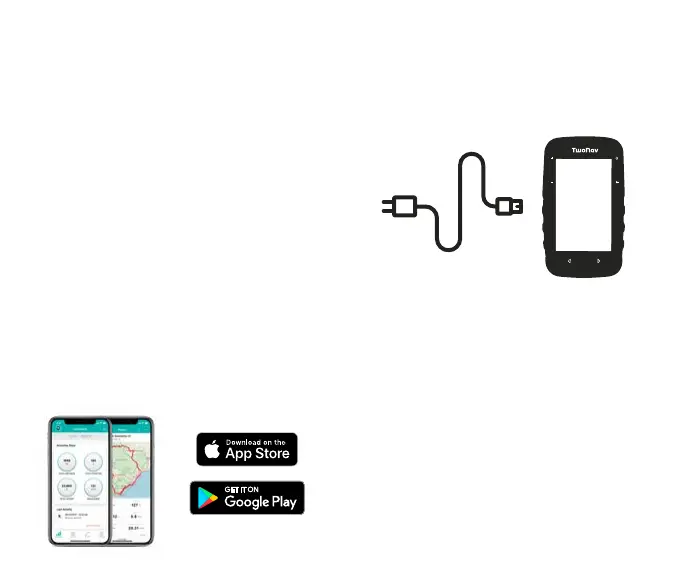
Install the Link app
We also recommend you install the TwoNav
Link app on your smartphone to get access
to features like SeeMe, notifications and file
transfers.
2. Initial boot-up
Charge the device
Charge the device by connecting it to a 2A
charger or higher.
Important: use the cable that comes inside the
box to charge the device and to connect it to a
computer.
Connect to a Wi-Fi network
Remember to connect the device to your Wi-Fi
network so it can automatically carry out two
important processes:
• Update the TwoNav software of your GPS
• Synchronize all your data with GO Cloud


 To Next Page