1. Go to your phone’s BT list and delete / Unpair the
‘CB-Fury Max’ profile.
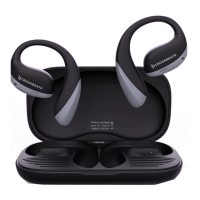
2. then Place the earbuds in the charging case
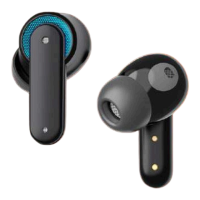
2. Tap on both the earbuds for 5 times to reset the
earbuds
3. After the earbuds enter the pairing mode
1. Take out the earbuds from the charging case
2. The earbuds will auto Power On
3. Search for ‘CB-Fury Max’ in your Phone’s
Bluetooth list .
4. Click to pair.
1. For Mono mode, take out either of the earbuds
when already paired
2. The music will automatically play in that
particular earbud.
Reset
Mono Pairing
First time pairing


 To Next Page