BA_Migros_ED3EX_GB 09.02.2011 12:13 Uhr Seite 28
Probedruck
C M Y CM MY CY CMY K
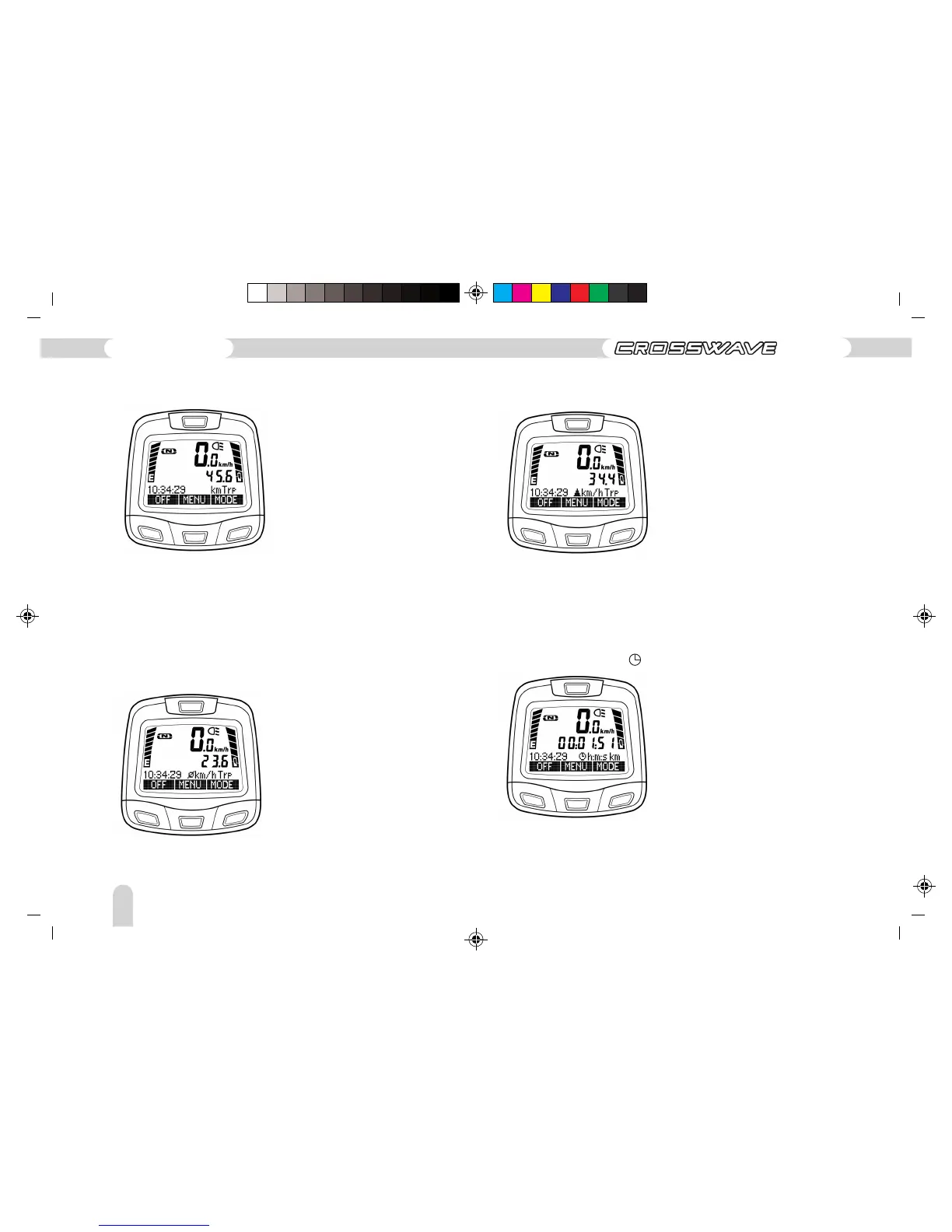
Adds the number of kilometres per tour. By pressing the “CLEAR”
button, you can delete the display or reset it to 0.
– Trip (km Trp)
– Trip (Ø km/h Trp) average km/h Trip
Details of the average speed during the tour. By pressing the
“CLEAR” button, you can delete the display or set it back to 0.
– Trip (▲ km/h Trp) Top speed km/h Trip)
Shows the highest speed reached since last cleared.
– Trip travelling time ( h:m:s Trp)
adds the travelling time taken since the bicycle has been in
motion. Stopping at traffic lights, for example, is not calculated
as travelling time.
124
Operating instructions
ED-3 EX



 To Next Page