4、Operation
4.1 Power On/Off the radio
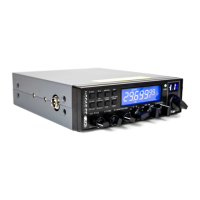
1. Turn VOL switch clockwise to power on the radio, the LCD
full screen display after spectrum model 1 s into the channel
state.
2. Turn the VOL Knob counterclockwise, until it clicks. The
radio is power off.
4.2 Volume Control
Turn clockwise to increase volume, turn counterclockwise to
decreases volume.
4.3 Channel Selection
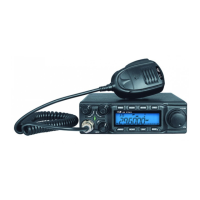
1. Shortly press microphone【UP】or【DOWN】to change
working channel.
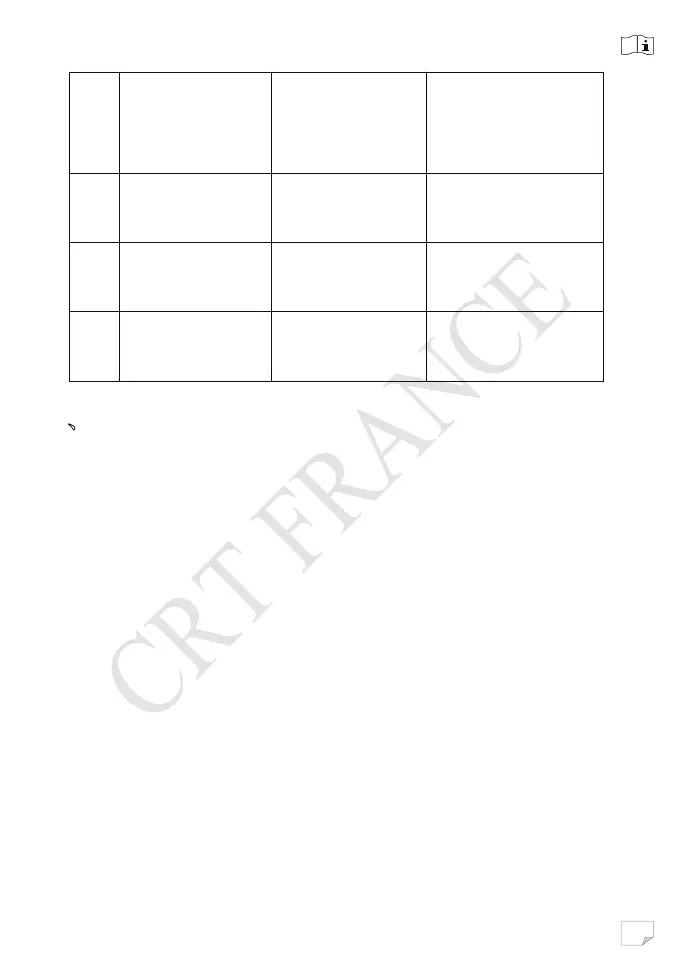
⑤
、
⑥
Channel
UP/DOWN
select
⑦
EMG(Emergen
c
y Channel )
9/19 Channel
Switch
⑧ RFG
Enter RF GAIN
Model
⑨
SQ/ASQ
Function Switch
Enter SQ (ASQ)
Level Switch
Switch To ASQ
Mode


 To Next Page