5
FHD Digital Video Recorder for Mercedes-Benz
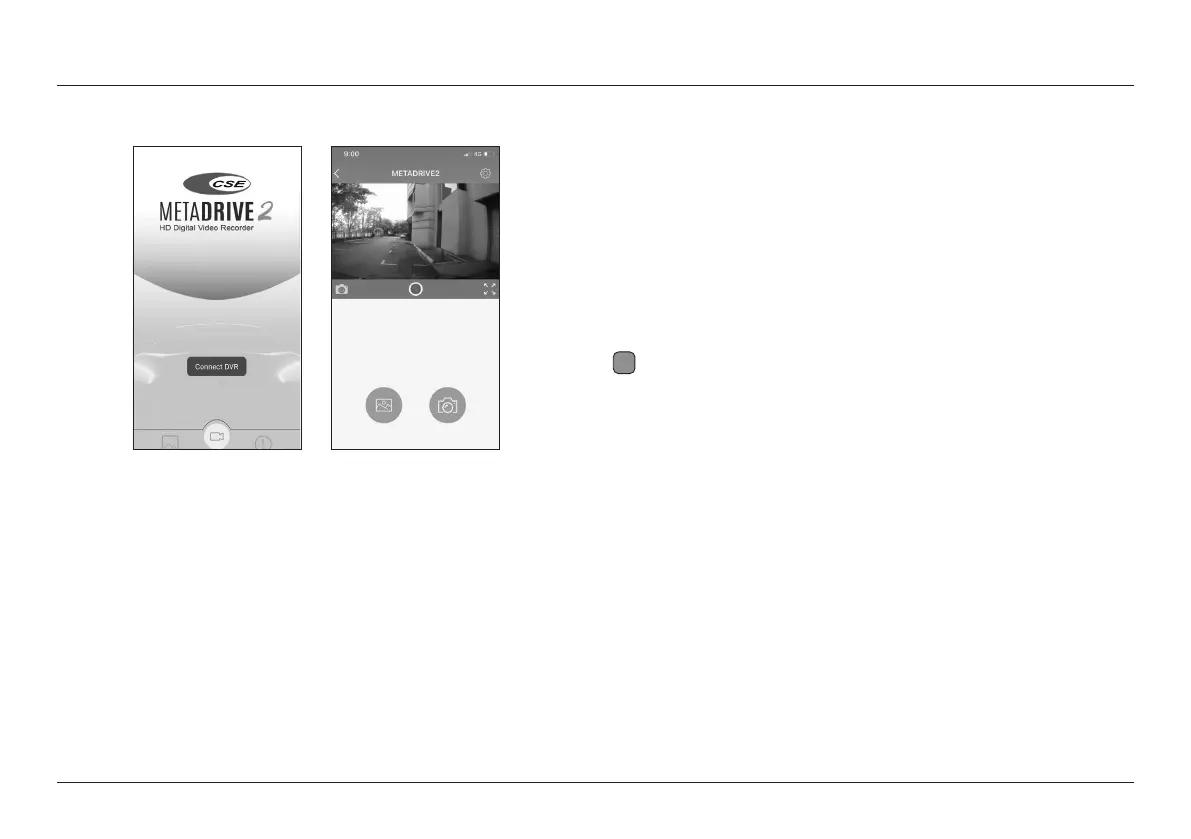
Connect Wi-Fi Dashcam
DVR Seng
Example:
• Wi-Fi Name - DVR Wi-Fi SSID Name display on mobile phone.
• Set Wi-Fi Password - Change Wi-Fi password (default 12345678).
Min 8 digits and Max 20 digits.
• Video Resoluon - Select the quality of the video recording, the
opons are [FHD P30], [HD P30], [FHD P30 + FHD P30*], [FHD P30 +
HD P30].
• Loop Recording - Select the video record duraon, the opon are [1],
[3*], 5 ] minutes.
• Record Audio - Enable/Disable* sound recording funcon when video
recording.
i
Note
* Default seng
• Date Watermark - Enable*/Disable the Date and Time stamp.
• G-Sensor Sensivity - Select the collision sensivity of the gravity
sensor, the opons are [O], [Low], [Medium*], [High].
• Parking Monitor - Set the sensivity of the Parking Moritoring sensor,
the opons are [O], [Low*], [Medium], [High].
• Format SD Card - Format the storage card ( Delete all video and
photo les).
• Default Seng - Restore to default seng.
• Firmware Version - DVR soware version.


 To Next Page